
this wasn’t a problem in think earlier versions of the engine, and however scaling using the editor gizmos just doesn’t work
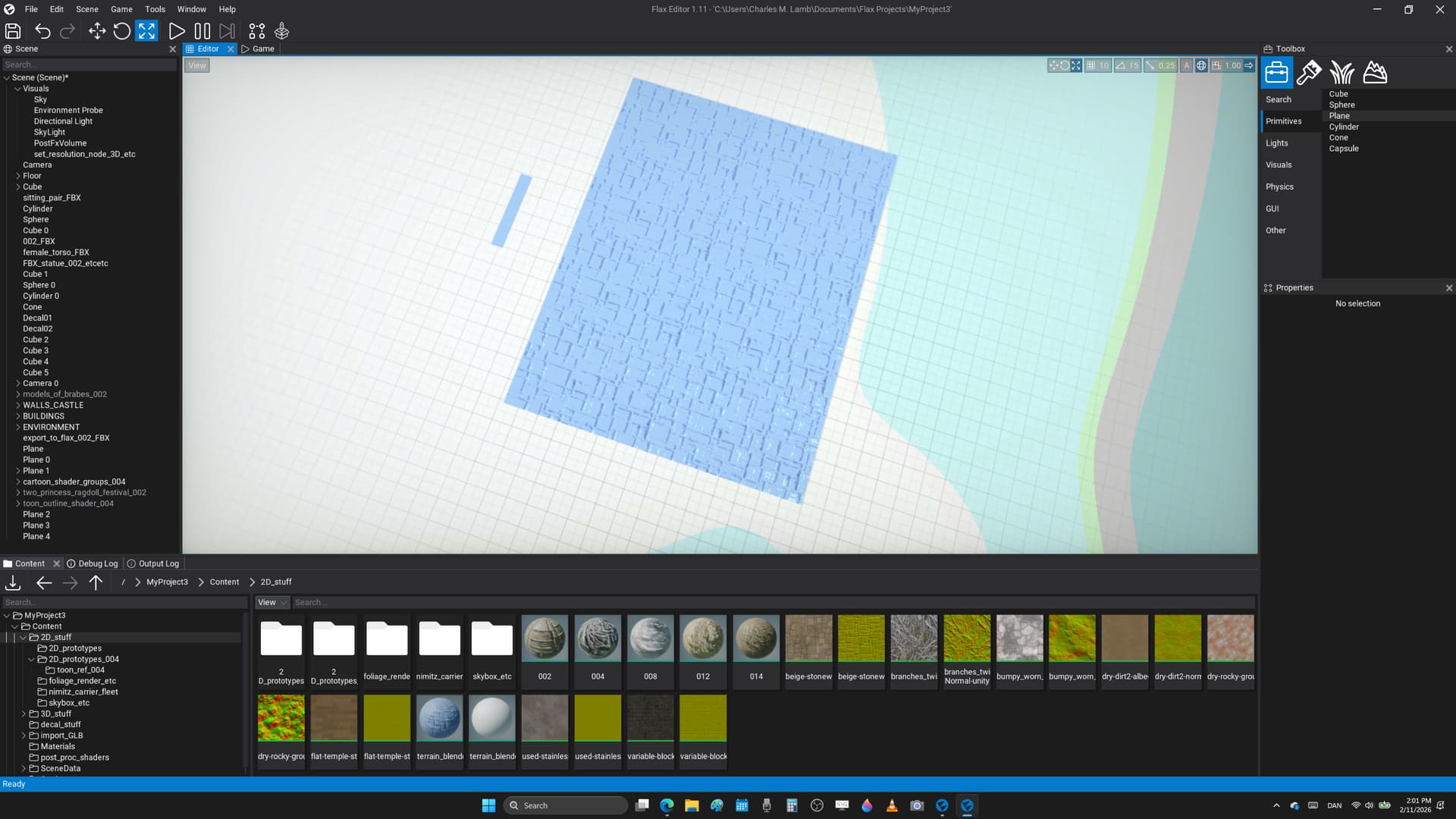
first is a sort of rather long square, or that it should maintain sort of the same rough shape when scaled on both the Z, and X - axis
however, and instead of turning into a large ’ long plane ’ then it almost turns into a square where it’s simply not the same basic shape after scaling, or sort of not sure why that happens as a noob wannabe to learn the engine at all


to replicate try and make a rather long object like a plane that’s been scaled in one direction, or something like this
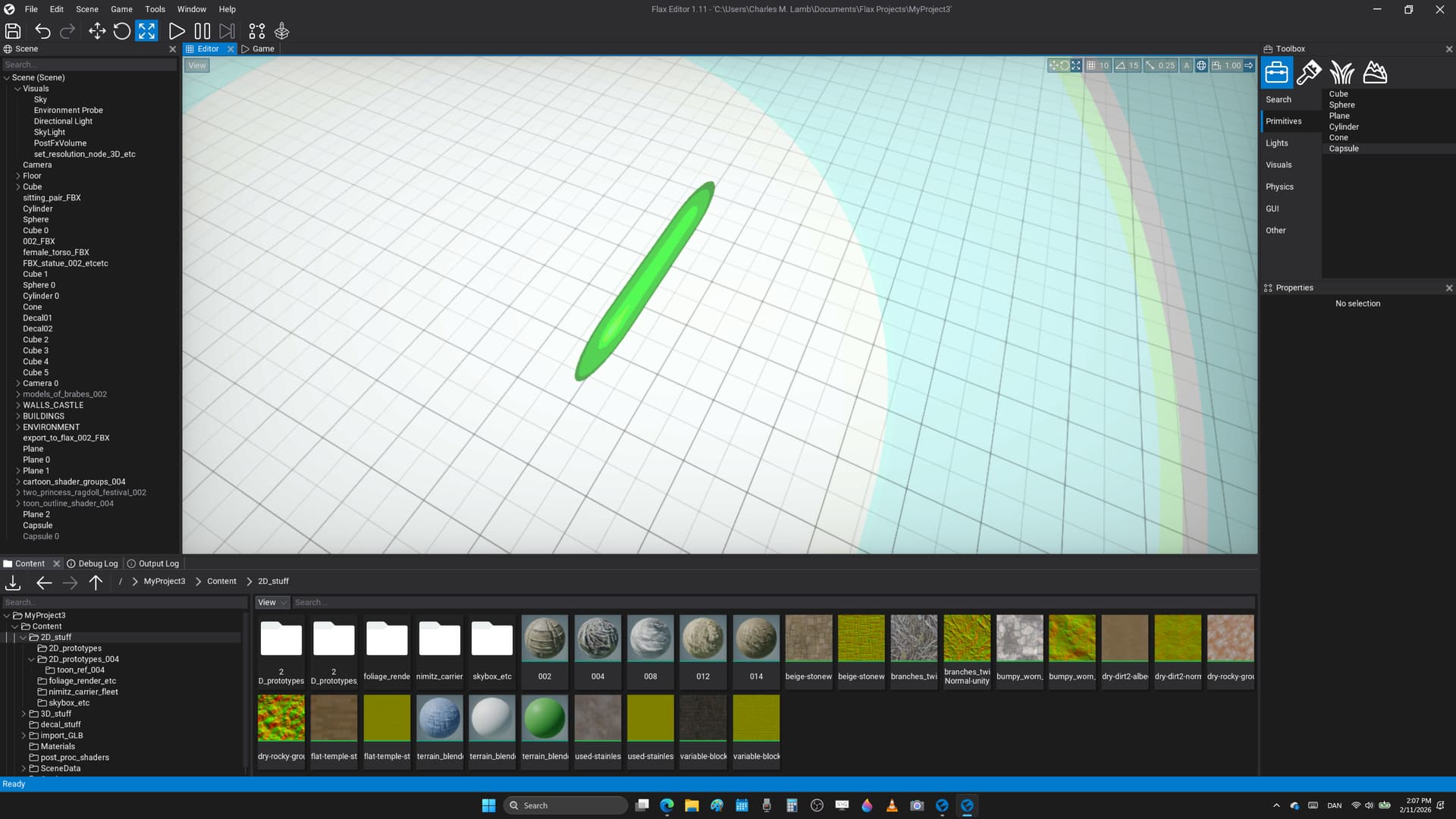
the scale it with the viewport gizmo using the plane to change the size in two directions at once to get this result that looks to be an errors, etc
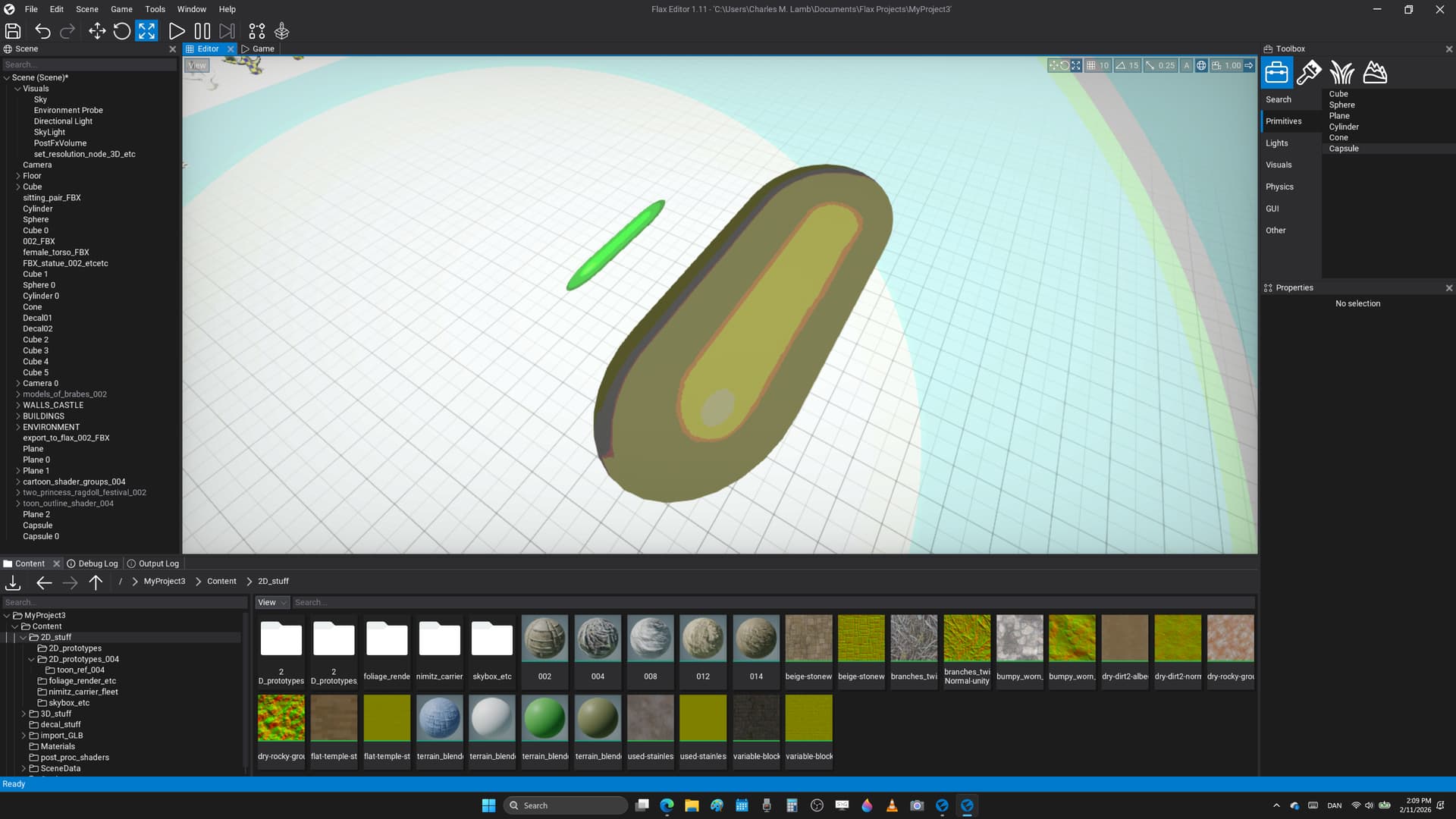
it’s as if it doesn’t add the right amount in one of the directions, and it sort of causes it not to be the same object after scaling just of a different size from what could tell, or not sure this is intended
note : the scaling works if the starting values are [ 1, 1, 1 ], and then it looks quite good, or however try and create say a plane in Flax Engine that’s [ 20, 1, 1 ], and then scale that in two directions at once using the viewport gizmo, or that’s when the results don’t make total sense at least from what could see