
I see how to import sprites and display which frame of a sprite is shown where, but how would you go about displaying different faces or a sprite depending on where the camara is positioned to? Also, how would you go about setting up a camara to move with mouse controls?
not sure how to help with the 2D stuff, or except there’s something called a ’ flipbook ’ node when you create a new material, and in the list of nodes
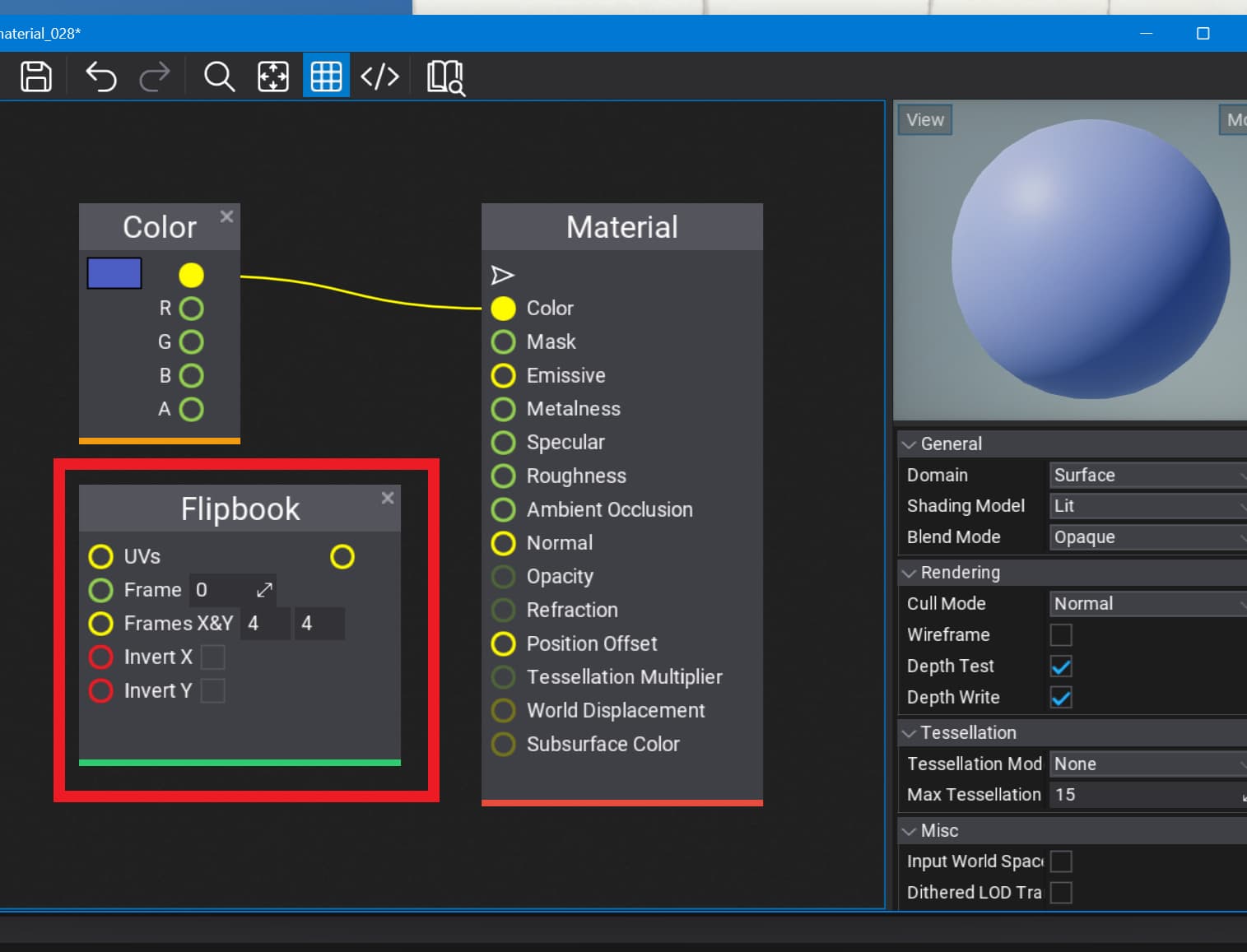
then after that to sort of make things move because of the mouse there’s a few nodes that don’t know how to make work, or not sure there are bugs in them, and however that this works
GETAXIS(String)
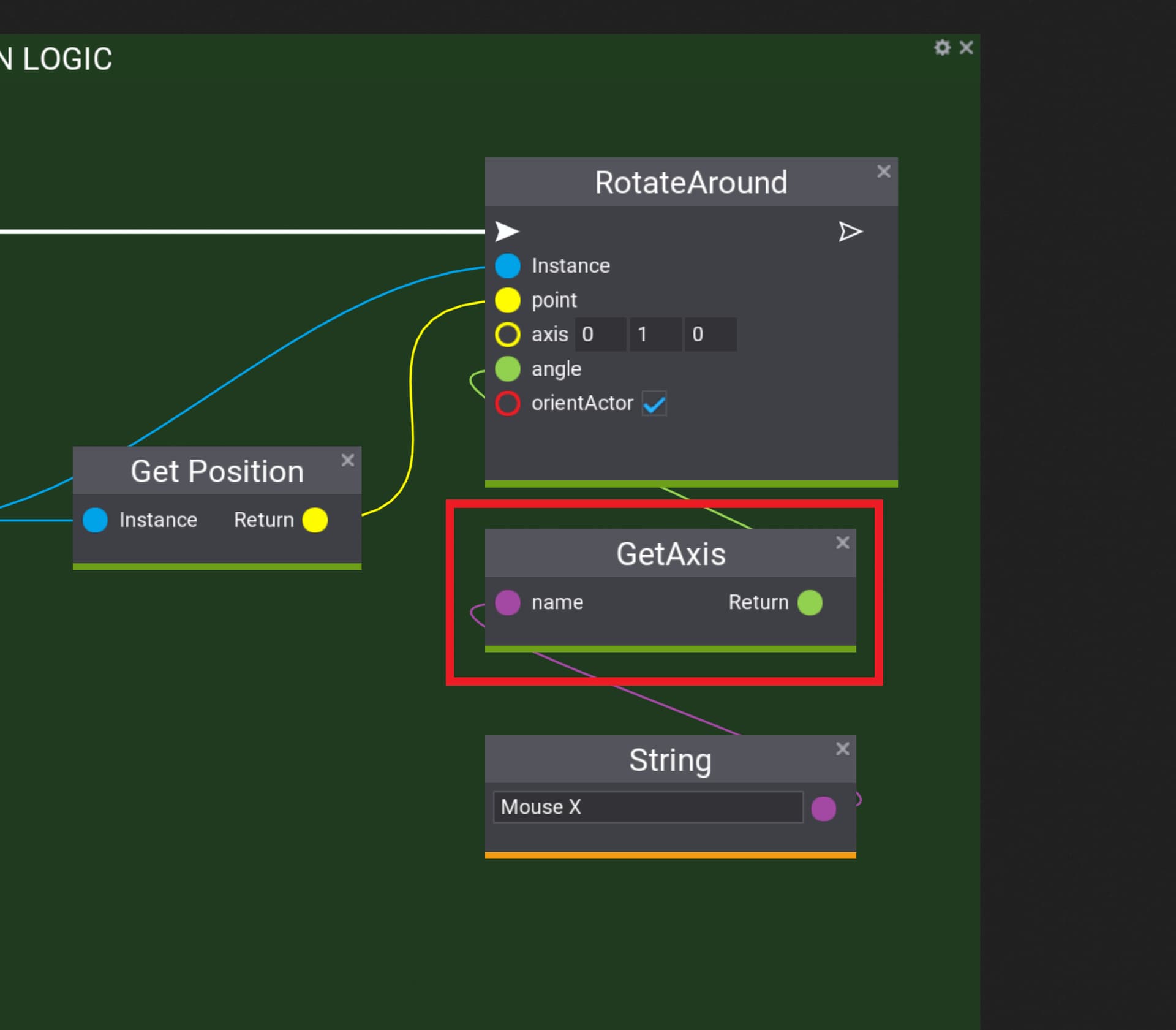
notice that it needs a string, and sort of the name of the mouse direction you’re trying to get from code, or that you find it here
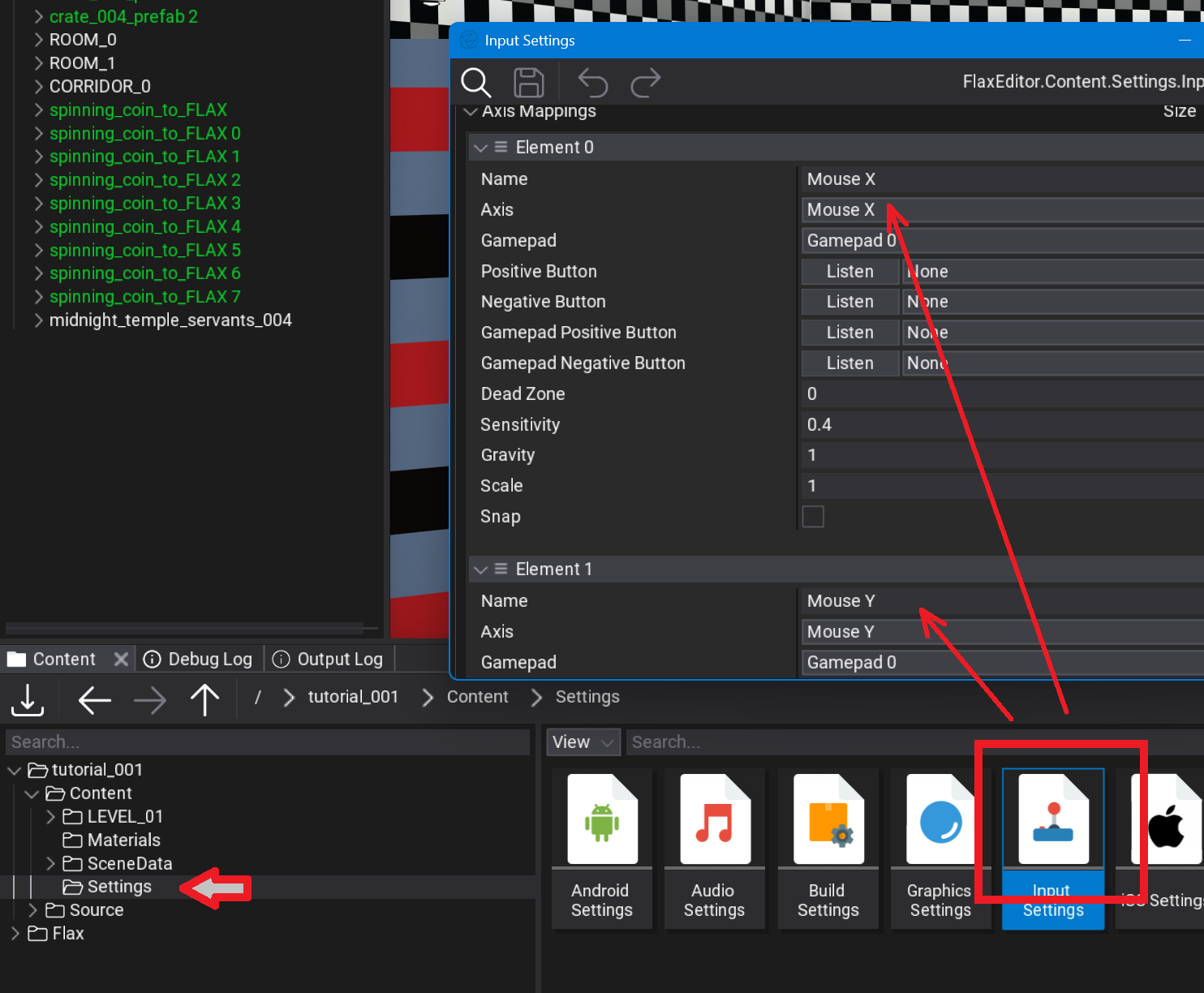
hope that helps, or have a video tutorial here, etc
^^ 12 min video that also explains how to get the mouse to work at least from Visual Scripting
This video seems not having the tutorial or informations for the Sprite or Flipbook, please tell me if something is out there.
from having googled a little there’s almost nothing as to use Flax Engine for 2D projects, or from what know it’s mainly intended to be used in 3D video games . .
as to setting the 2D sprites so they look different as you move the camera around a character it’s quite simple, and not sure you want this effect
^^ tutorial for how to make the effect you’re talking about in Unreal Engine, and it’s sort of the same principles, or hope that gives you a few ideas to get started, etc
let me try and understand what you want, or for the sprite to ’ snap to ’ certain angles as you rotate around it with the camera, and sort of like the old Doom video games
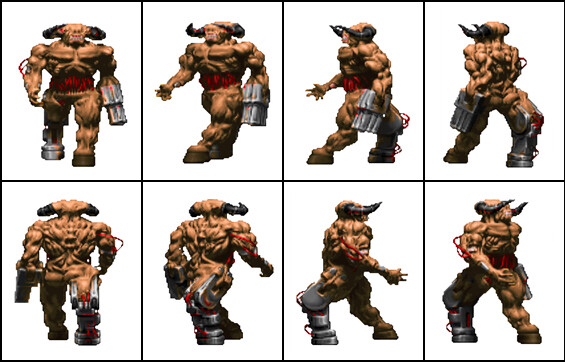
here’s my suggestion to get started
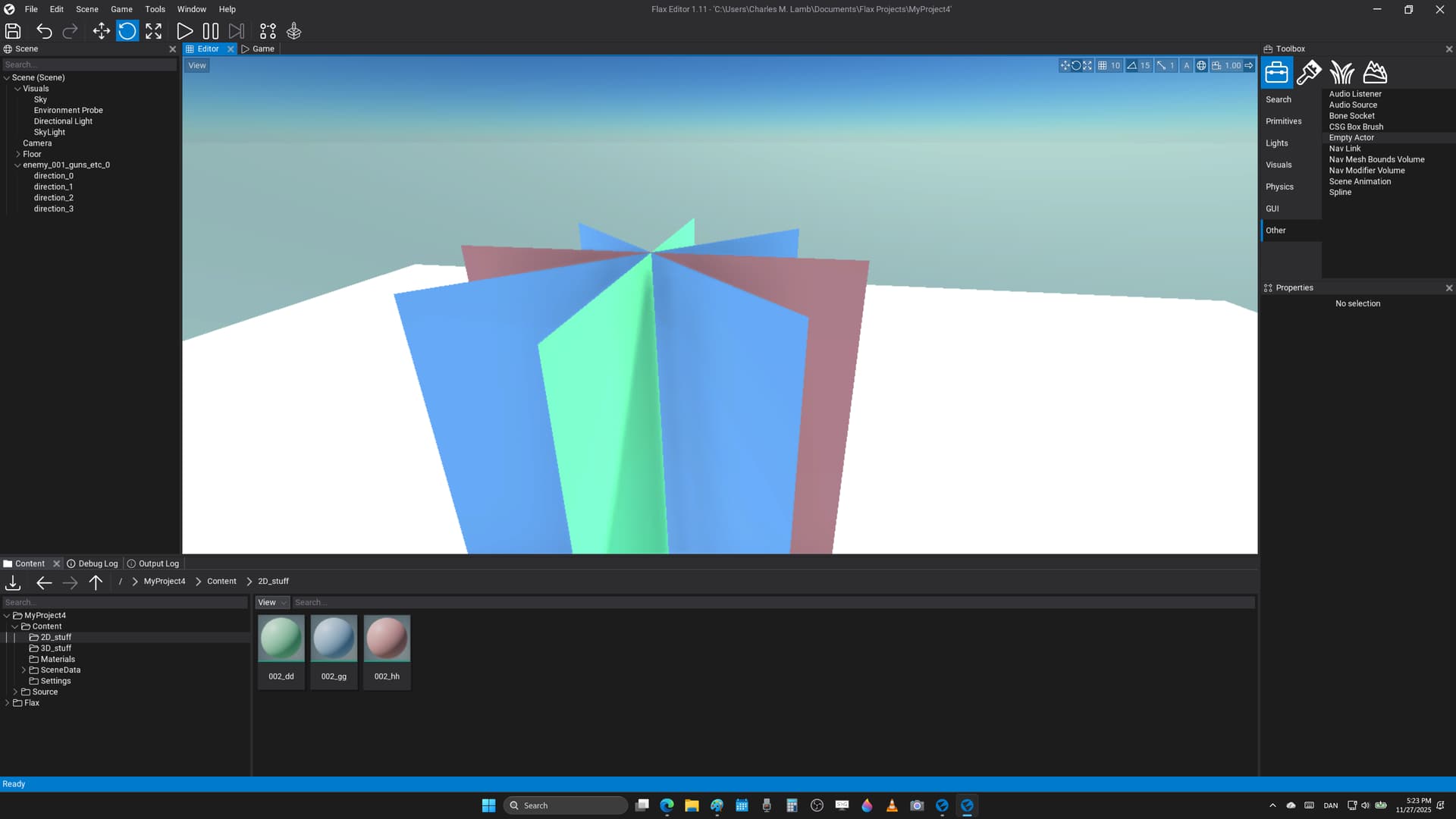
start by building a sort of star shape from simple planes, and then place the sprites on each one that you want to see from each direction
after that you need to create some code that basically makes the different planes appear depending on the angle between the forward direction of the ’ plane mesh character ', or then where the camera is on the X - Y coordinate grid, and that should be rather simple to put together
is that enough, or do you need a youtube tutorial where explain how to do this, and sort of write the code ( use Visual Script if that’s good enough ), etc
?!??
here’s a video of the same effect in Flax Engine, or it renders different sprites depending on what side you’re on relative to the character, and to give the retro - look from the 3D shooters of way ago, etc
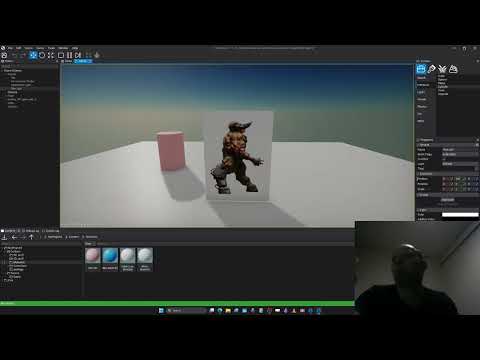
it’s a little bit difficult to code, and not sure how to get animations running on each sheet, or if you need to add a few ’ Gameplay Globals ’ that you could send to a material with a Flipbook node, and sort of go through the images based on how time progresses in the video game
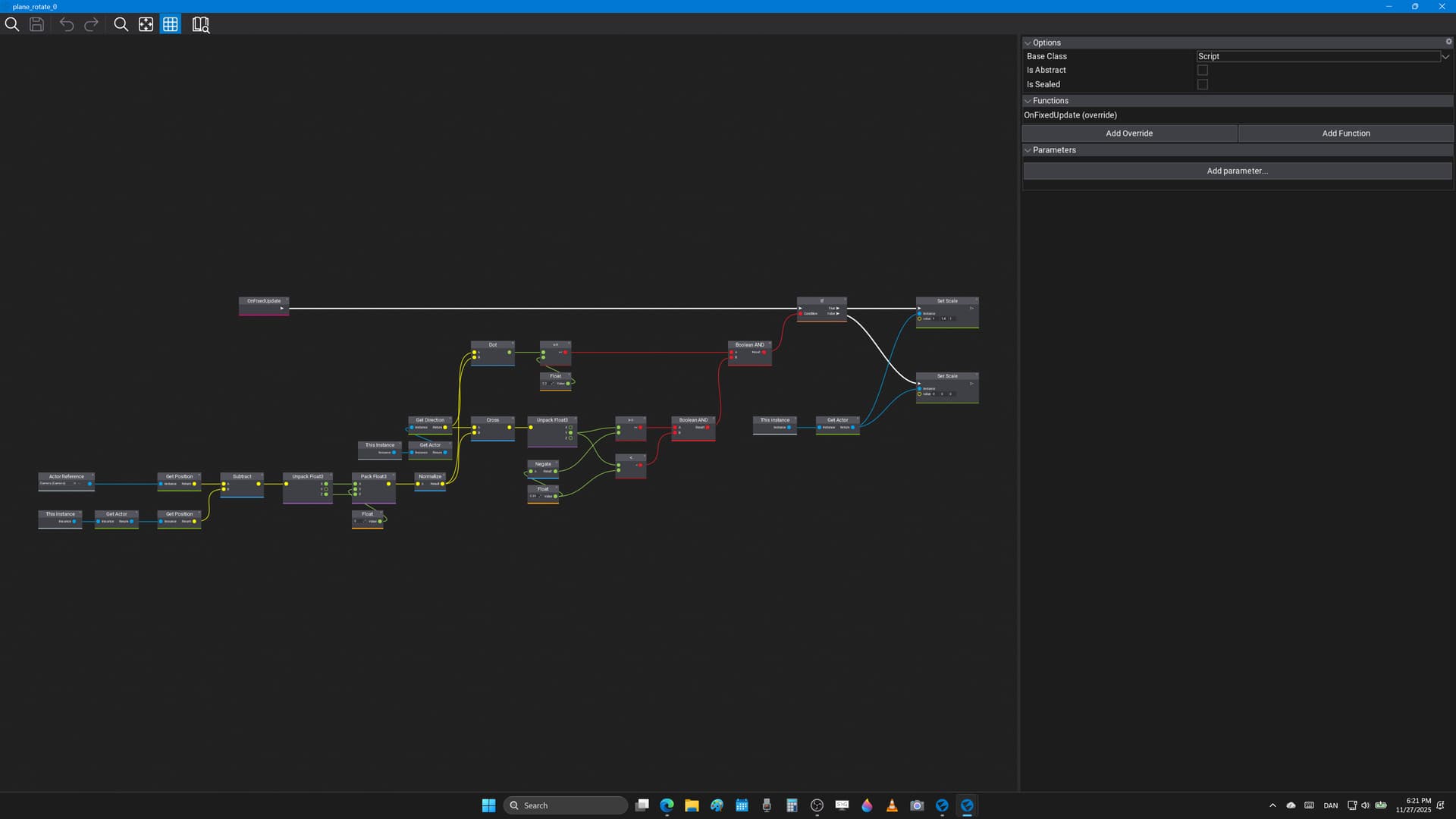
you need something called the cross product, and also the dot product to get started, or not sure you know how to use those from math classes, and think it’s either high school, or a bit from college you need to make this code work in the engine
I prefer the C# code than the visual script, but I think its cool to see the Visject approach of the simplified axis-aligned 2D imposter 
1 Like