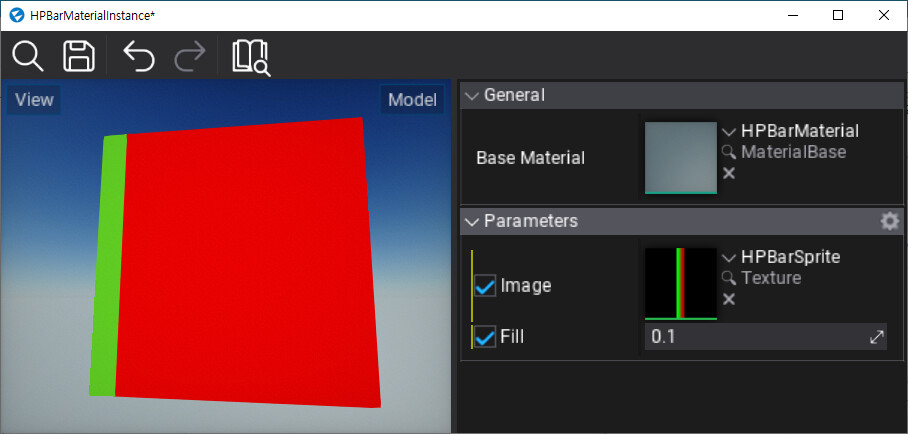
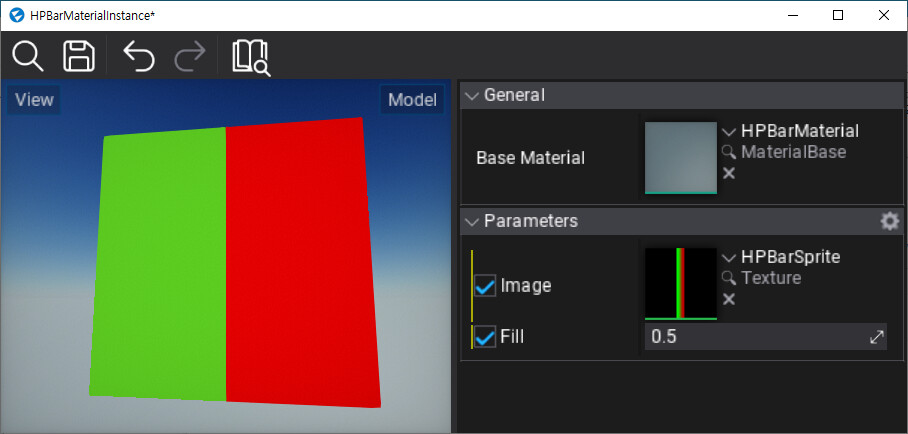
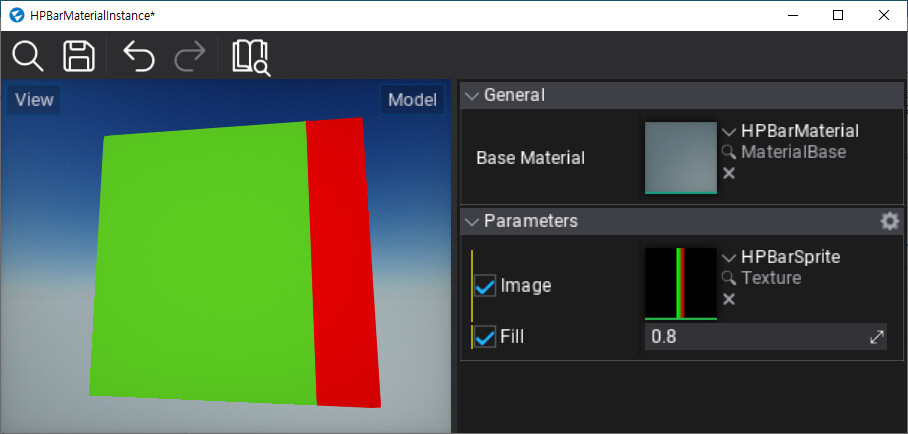
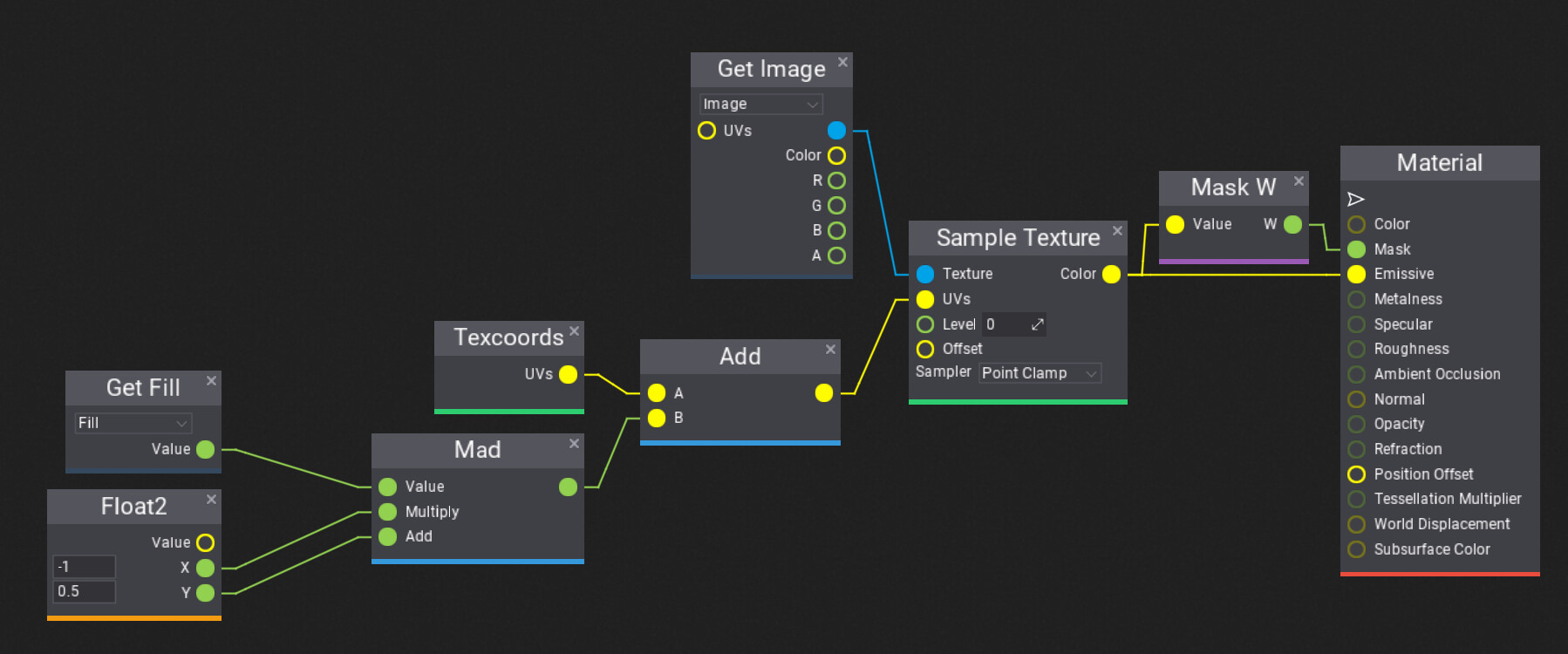
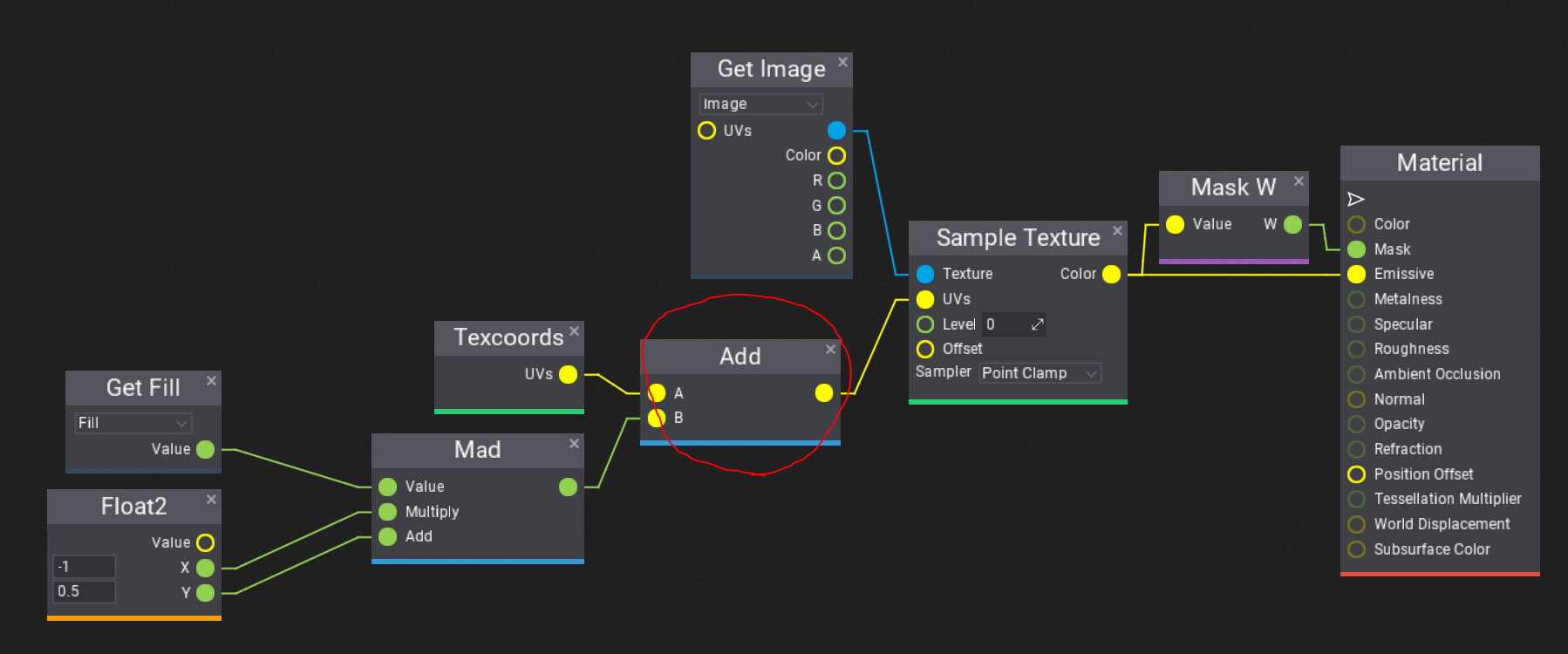
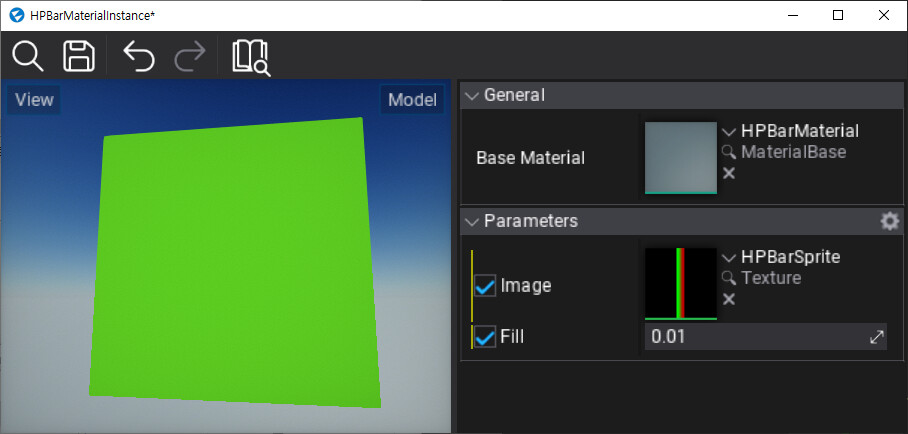
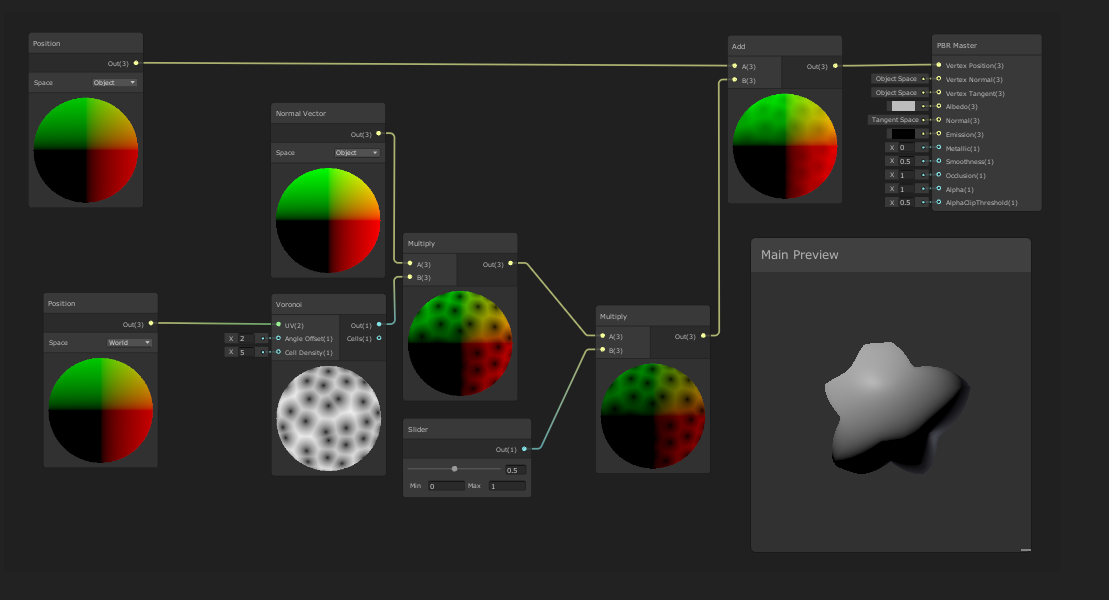
‘UVs’ input hint popup of Sample Texture node tells me that this is a Float2 value, so I tried to merge a variable of a float and a constant of a float.
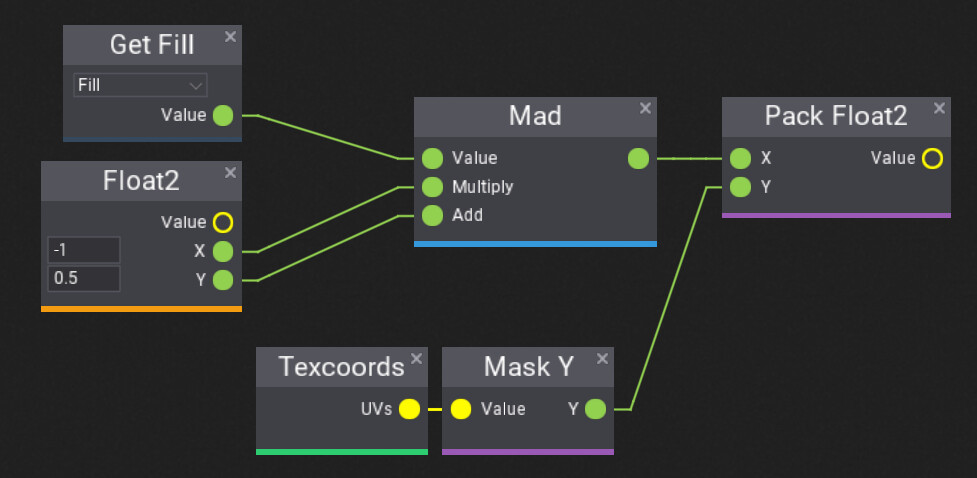
What is the difference between ‘Add’ and ‘Pack xxx’?
Isn’t the ‘Add’ node memberwise vector sum?
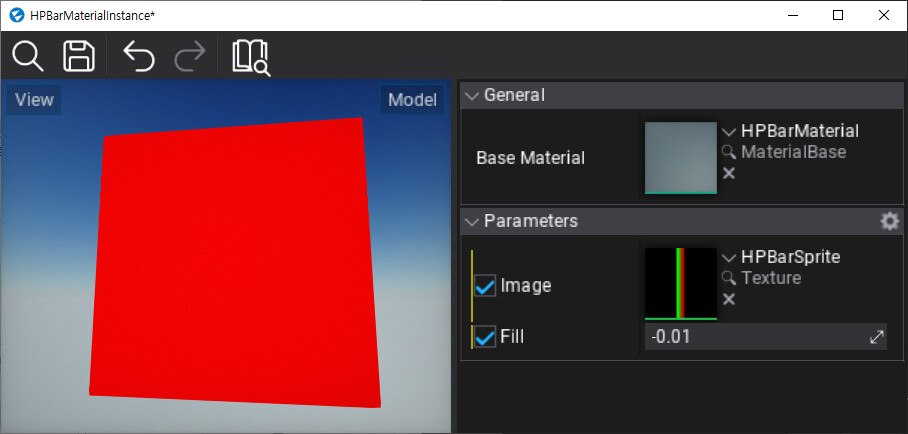
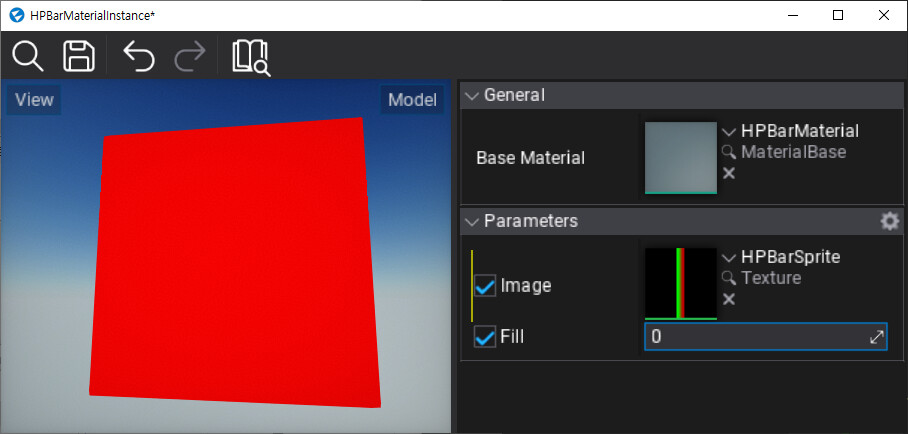
Why ‘Sample texture’ acts totally different (UV shift vs. point capture and fill) with same(?) Float2 values?
I struggled to track what is the actual input/output value/form of the nodes because it was hard to match the actual behaviours of the value flow with what I supposed reading the document.
Is there some kind of debugger for material editor? I see many graph type shader editors provide somewhat ‘visualizers’ to keep track what is the output of nodes.
This level of feature is could be too big, but I think some kind of probe to point with the mouse at the edge of nodes, telling what type/values are flowing through currently will be a great help.
Yes, I passed two Float1s to the [Pack Float2] input nodes and linked its output (Float2) to the UVs input, as depicted in the screenshot above. Isn’t it?