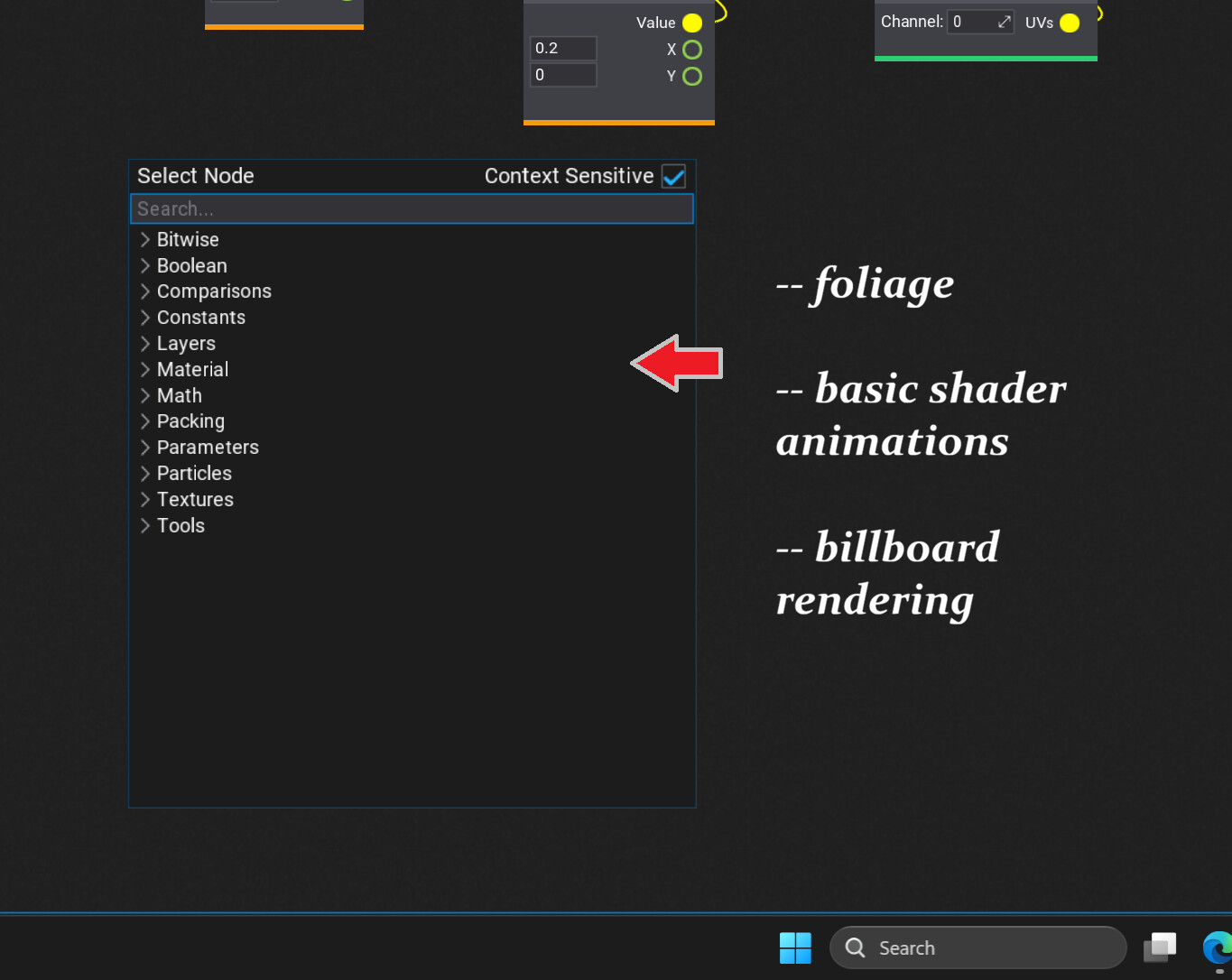
Suggestion : Add foliage animation nodes to shader materials

perhaps this isn’t the way to do this, or have noticed that Unreal Engine is getting very advanced systems for both generating, and also animations, or rendering a ton of foliage

from what know most engines start from something like 2D planes with transparent images of plants, and flowers, or then one uses shaders to sort of animate them, and this also goes for trees, or leaves, etc

because this is a bit tedious to code, or that it might help with productivity what if one added these ’ animate basic foliage ’ nodes to the material editor also

Foliage - Sway

Foliage - Sheer

Foliage - Jitter

Foliage - Wind Force ( simple )

Foliage - Wind Force ( world )

and sort of make it a bit easier for people to animate, and get pro - results for foliage, or where Unreal Engine is starting to add something like this to auto - generate trees, and not sure else
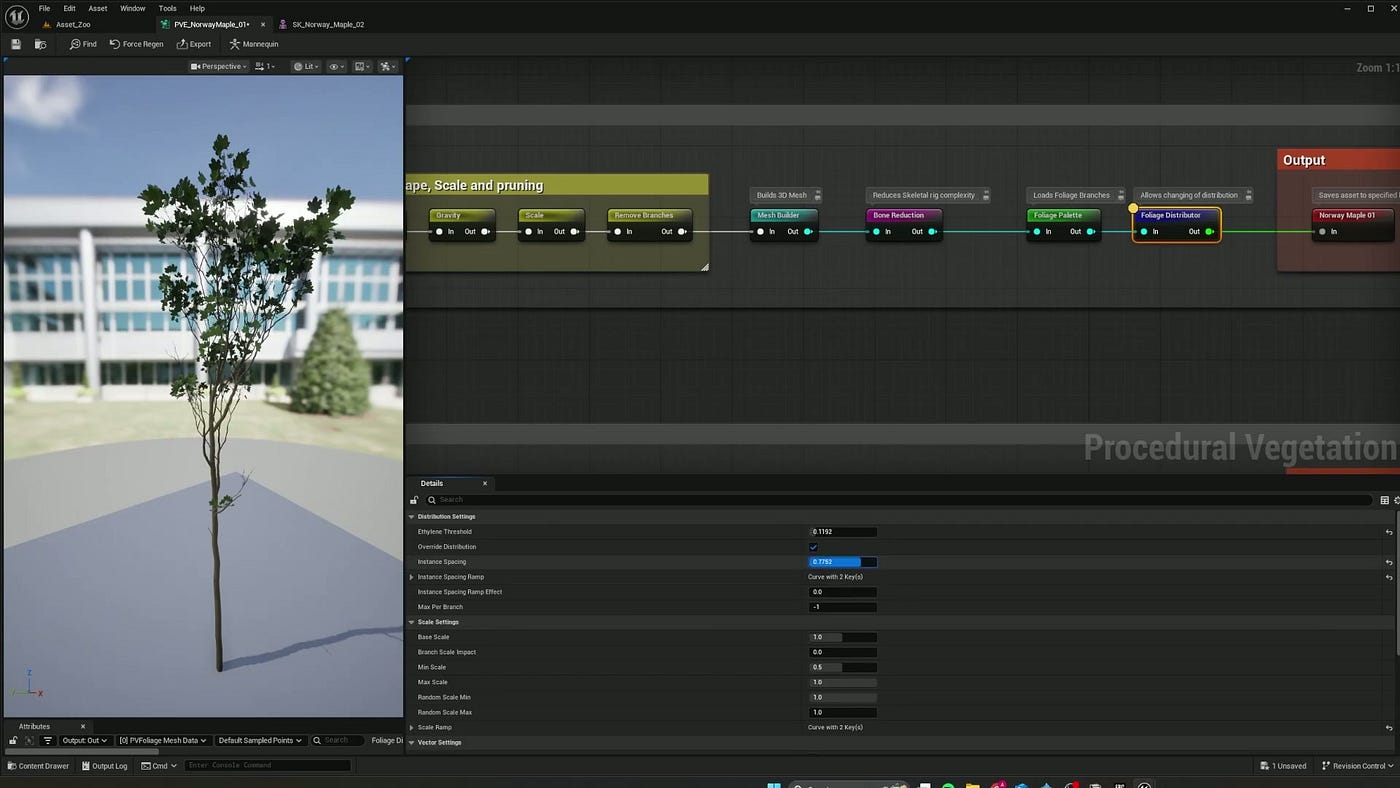
from what know Flax Engine already has ’ time ’ nodes that helps one animate things quite easily, and however to create a set of ’ animate foliage ’ that perhaps could also be used for trees, or also leaves to create most of the effects one sees in modern video games, and to help people create realistic environments much faster, or at least to work on convincing results for AAA - video games
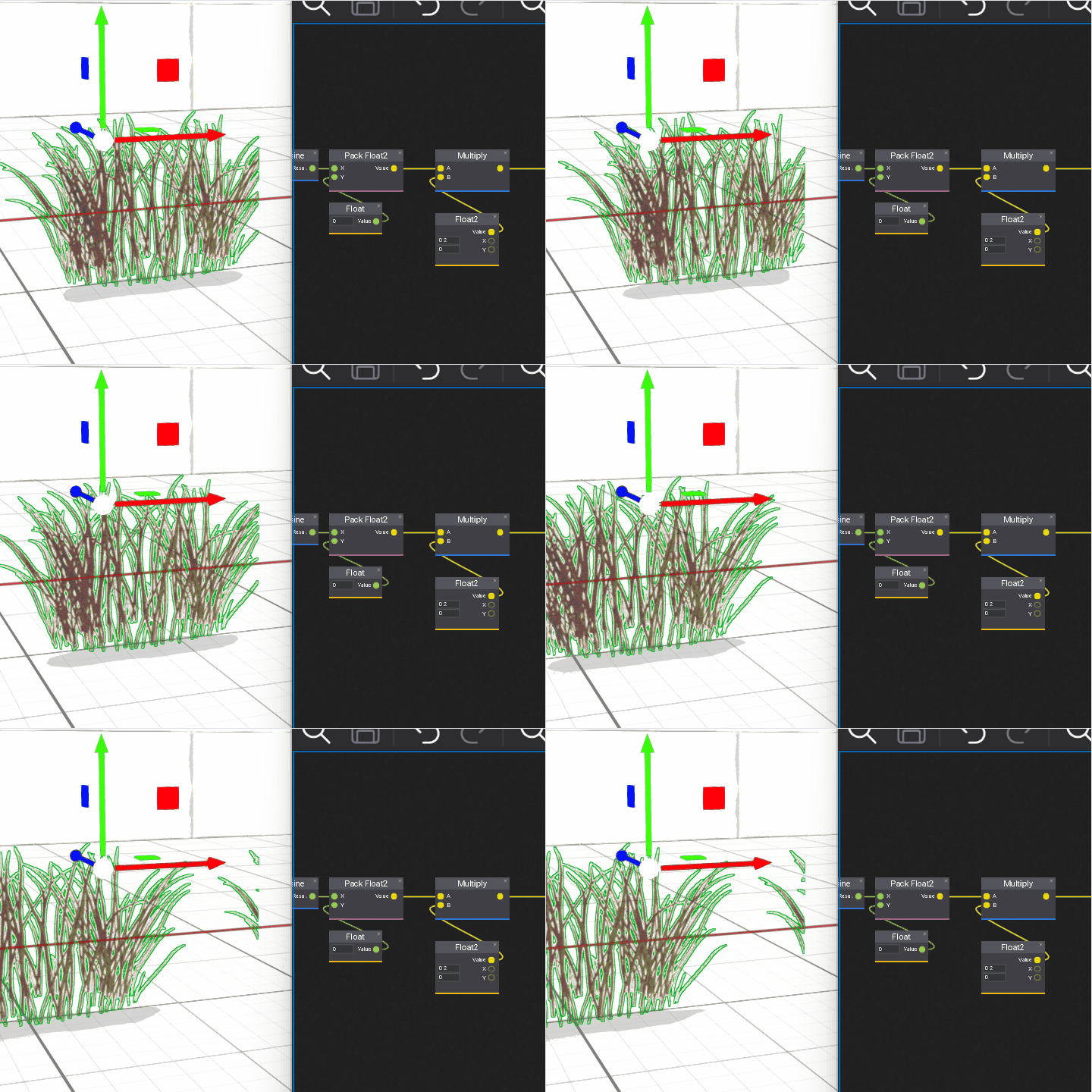
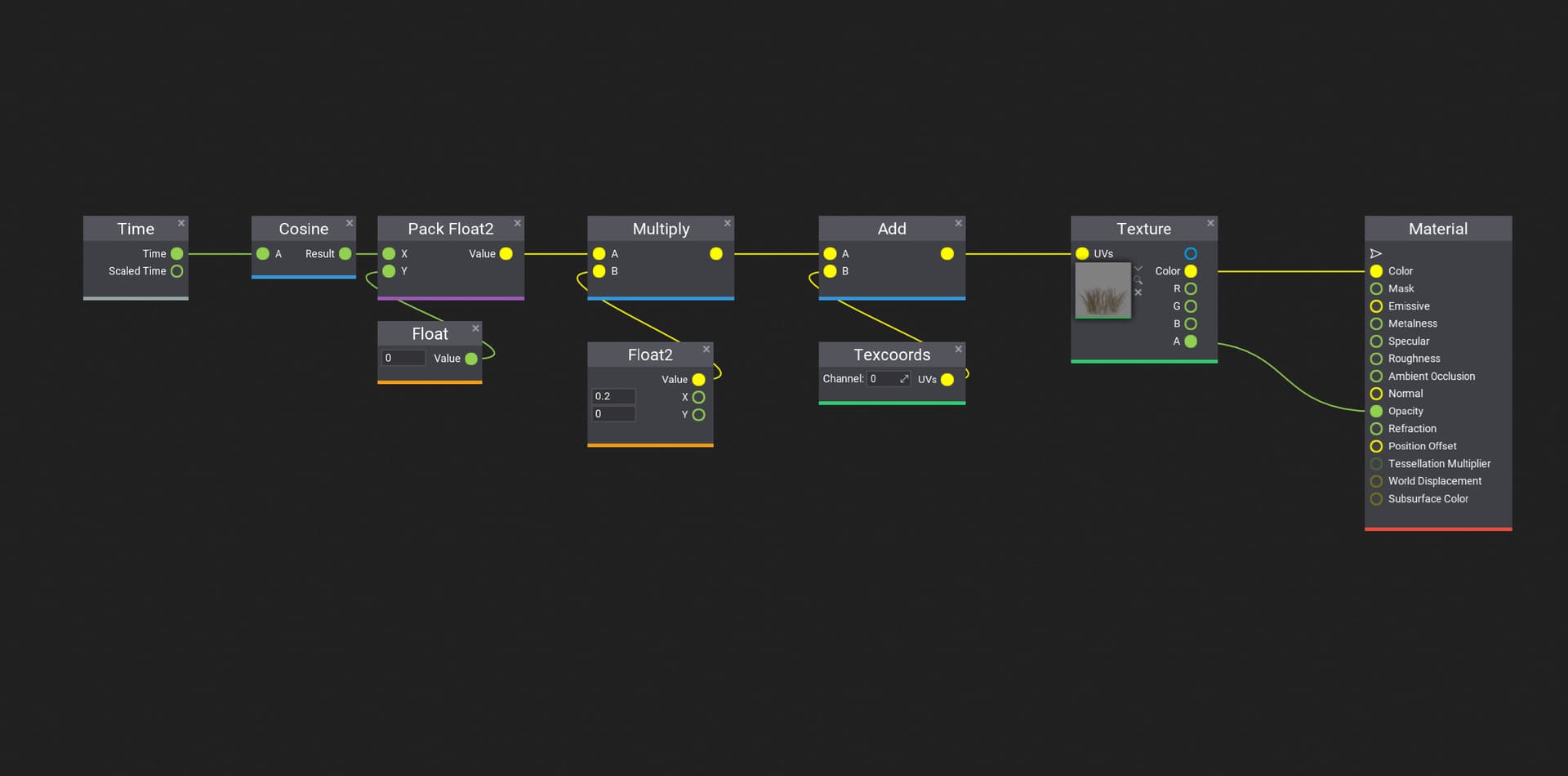
here’s an example of something that doesn’t work, or that coding these foliage systems is a bit difficult, and was thinking if it’d make sense to code them as nodes in the material editor, or so they ran well with the in build terrain system, and perhaps also to animate

– trees

– leaves on trees

– plants

– from there they could be used for simple neon signs, or decals when they need to move in a similar way, and sort ’ sway ', or ’ dip ', and ’ rotate on 1 - axis ', or it’d be a great help if that was somehow added to the engine

Animation (58)

^^ animation of what talking about, and rather advanced effects running at the shader level

sort of a less complicated way of adding what they have in the Unreal Engine atm, and not sure one could add something similar to rivers, or waterfalls with something like shader animation systems that create turbulence, and changes in flow, or depth somehow using a simple set of nodes that work as ’ animation pre - sets ', and that one could connect in a row, etc

wanted to code a ’ sway shader ', or however it wasn’t that easy, and then to make work efficiently with the foliage system, or also terrain editor where could use a bit of help to learn all of these algorithms

or to somehow add these nodes to help create better environments, etc

coding folage is fairly simple, just sample the y uv values, and then shift the vertices around multiplied by those y uv, there 1000 tutorials on it probably

2 Likes

and use trigonometry stuff the sin cos to it bend properly

1 Like

perhaps you can help me, or from what know it’s important that things run on the GPU, and that somehow shaders is where one codes that to get the best results

here’s what can’t make sense of atm

– if one also uses the GPU when it’s the ’ scene animation ’ rendering system, or if that’s the best way to make foliage move

– then how one makes sure that certain things are running on the right processors, and sort of what code one has to write to ’ force ’ things to run on the appropriate chips, or if that’s very important when optimizing video games ( have read a bit about it, and people say it’s better to use the GPU if that could be done, and also when working with a ton of particles effects )

?!??

if you are just using the node based shader editor, it will be on gpu. That all you need to use

1 Like

#thx for the wonderful advice, and that gonna look for tutorials on how to get the math right, or sort of trying to learn how to make amazing stuff, and that optimization is important to get the best results, or also if one wants to win awards

:sunglasses: :100:

Here’s a Foliage Wind function. It can still be optimized, but it worked well for me.


1 Like

this looks totally awesome rad cool to make sense of, or wow to everything at all

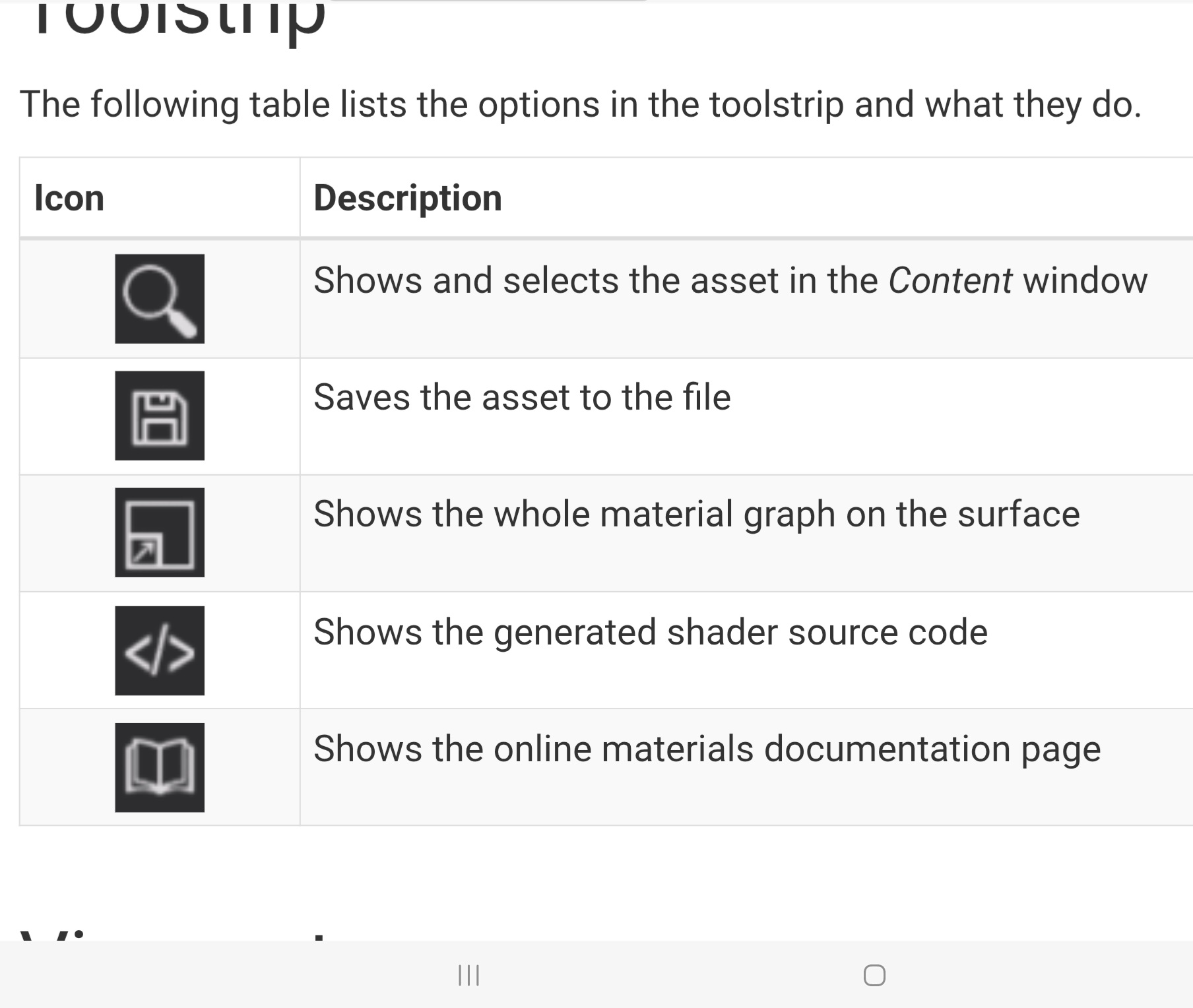
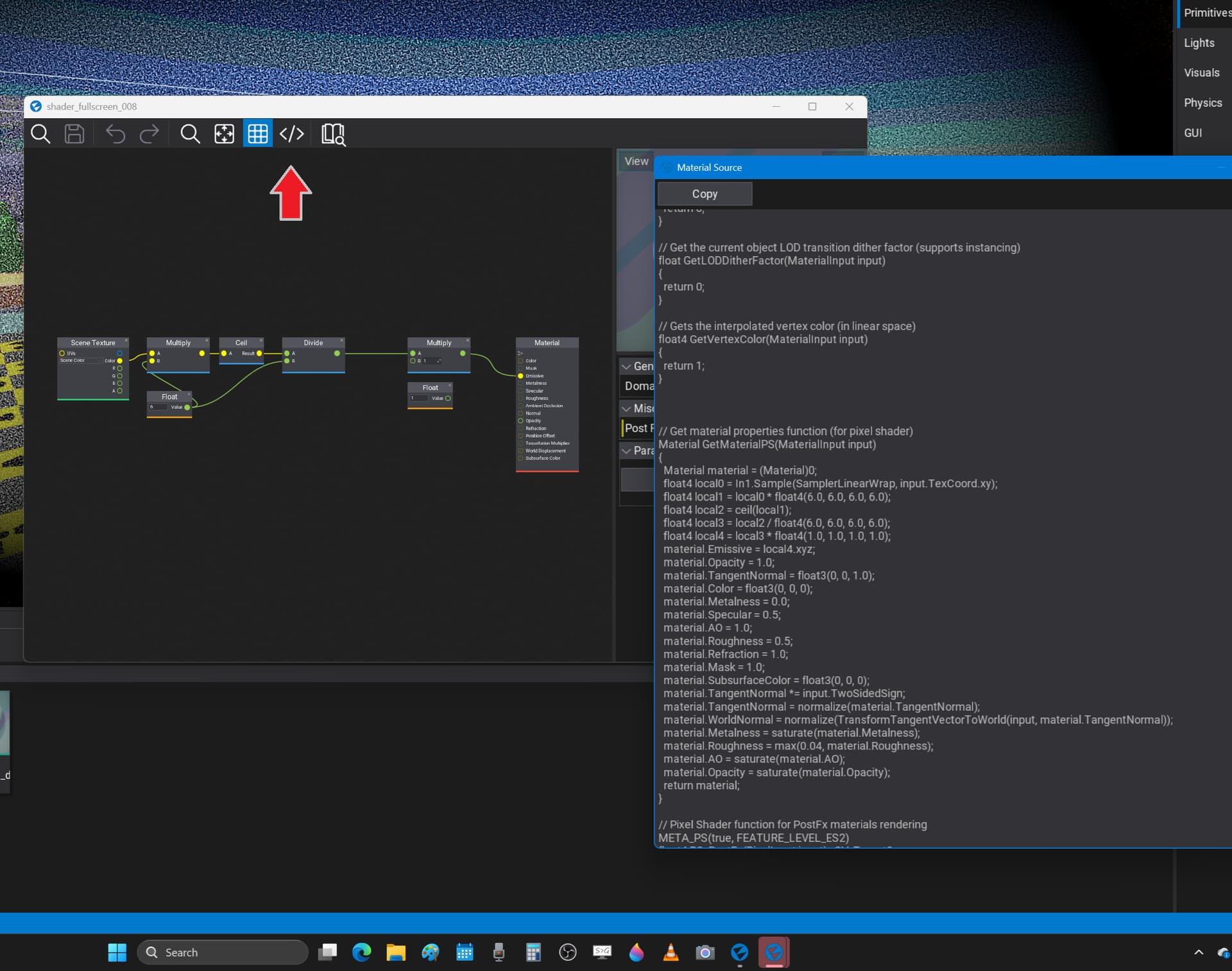
  1. not sure you could link the written code, and that there’s an icon on the top row that turns visject graphs into sort of written code

  2. that’s among the most cool things have ever seen, or that really wish to be a technical artist except have realized it’s very difficult, and that also have no idea how to make everything run on the GPU, or that sort of worried even know the best way to animate foliage at all

:sunglasses: :beer:

note : think it’s the fourth icon on the list, and that Flax Engine knows how to turn the boxes from visject into sort of written code, or that it’s a bit easier to read, and think there’s a way to copy paste it into material graphs in the engine

here’s how it works, and not sure there’s something one could copy - paste into other shaders more as text, or sort of where to find that in the ’ source code ’ for the graphics

?!??

I don’t really understand what you’re planning.

It’s a Material Function. You can simply use it in the Material Editor. It’s like a node in the Material Editor. It’s handled the same way in the Unreal Engine.

Material graph always runs on the GPU. So the foliage shader will automatically run on GPU without any additional effort on your side.

As you already know, the Visject boxes in the Material graph are being converted to HLSL, which runs on GPU

1 Like

#thx for that wonderful answer, or that have been worried quite severely if that happens, and that from reading the official docs couldn’t find anywhere on the page where it said ’ everything runs on the GPU ’ on the information for material graphs, or that somehow HLSL is how that all works

:sunglasses: :beer:

1 Like