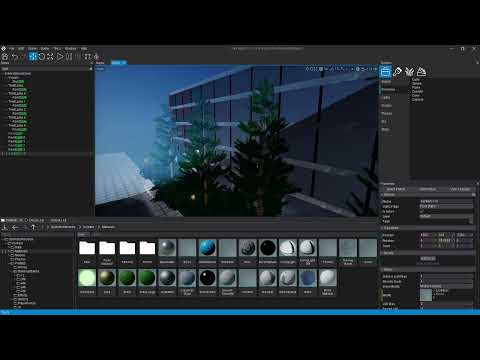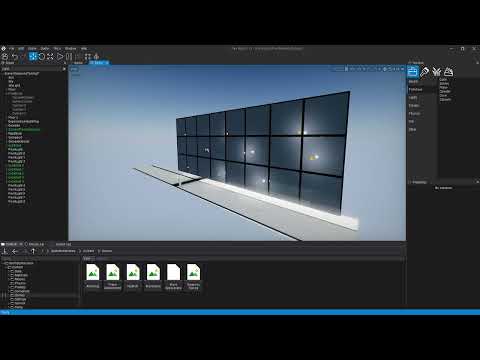
So i’m having this weird Occlusion effect on my glass material that is affecting diffuse and specular outputs. In the video the opacity is set to 1 to amplify this effect but at low opicaty it’s harder to notice. What could be causing this and what are some ideas i could remedy this with?
I don’t mind the specular occlusion but when i had the alpha set to 0.2 it was really apparent that it was affecting the shading and very visually jarring.
What i’ve tried:
- Less Lights (It happens with any number of lights)
- Less Objects
- Double checking model/texture/material normals
- Changing camera near/far planes
- Changing object size, I.E. each plane of glas was a seperate plane, now they are all one mesh.
- A few other but can’t think of
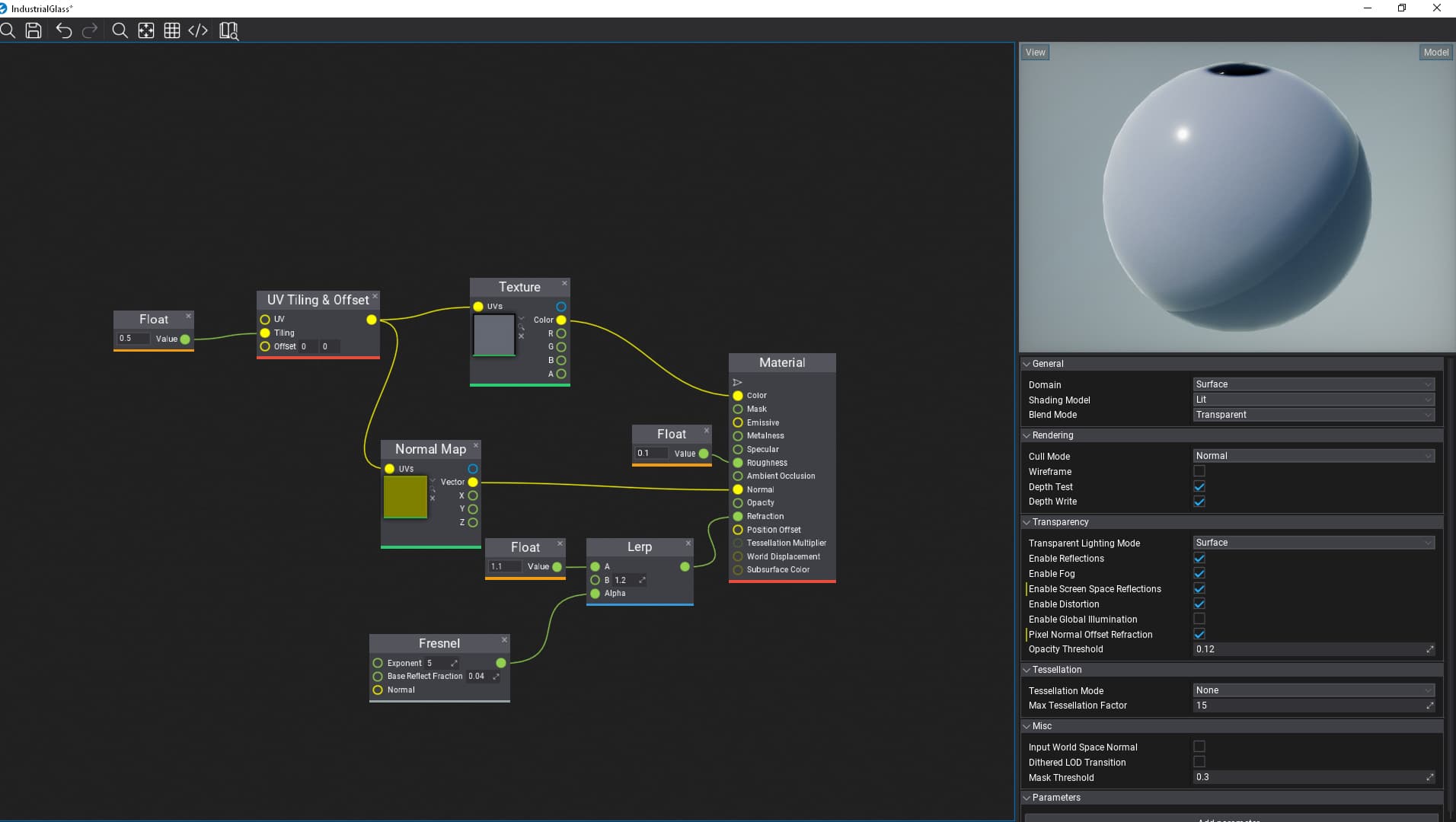
Here is My Material
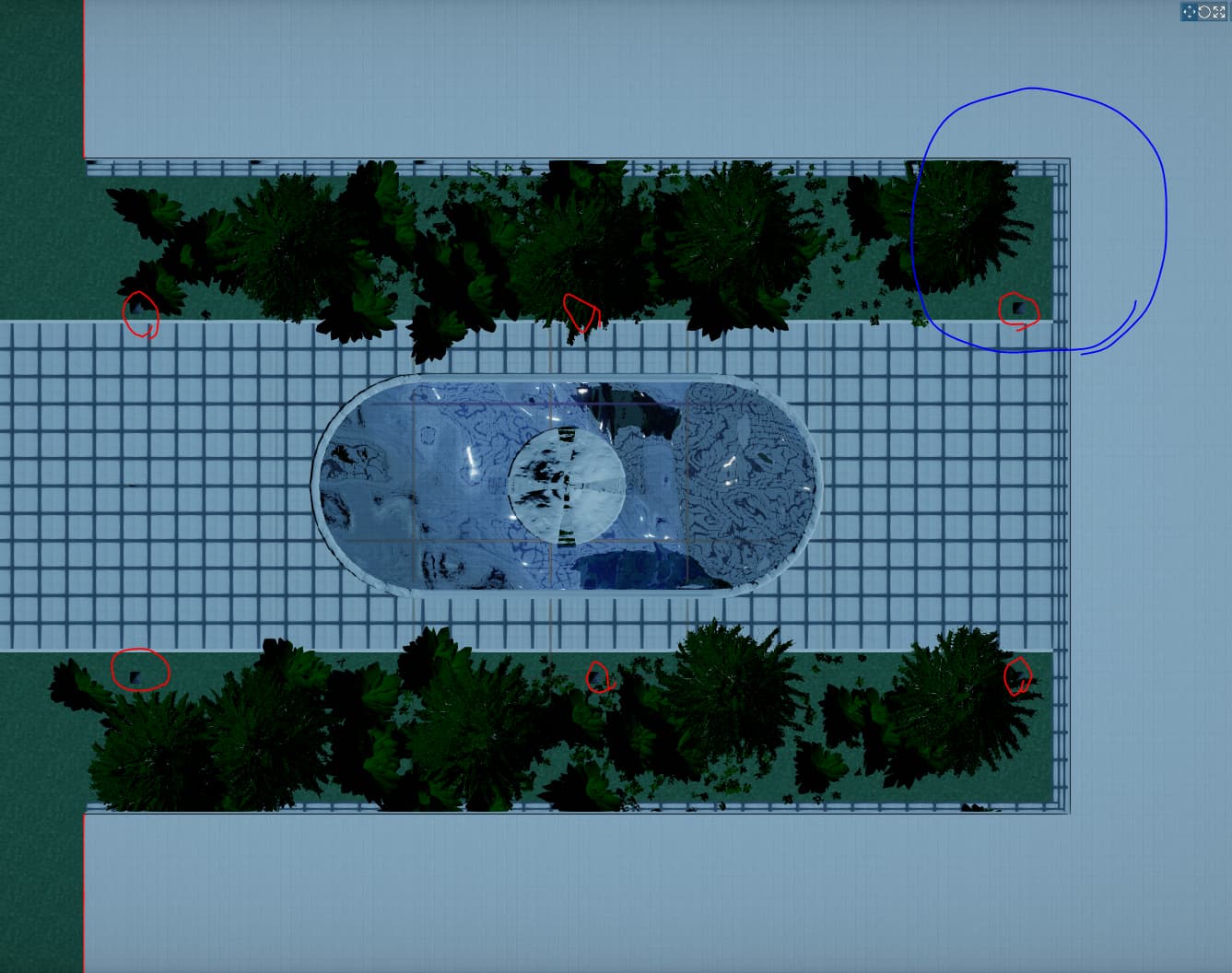
And here is my light layout (The red is where the lights are, the blue is where the video was showing)
Here is the video