#sry for the double posts, or that now on my computer to get screenshots from the engine
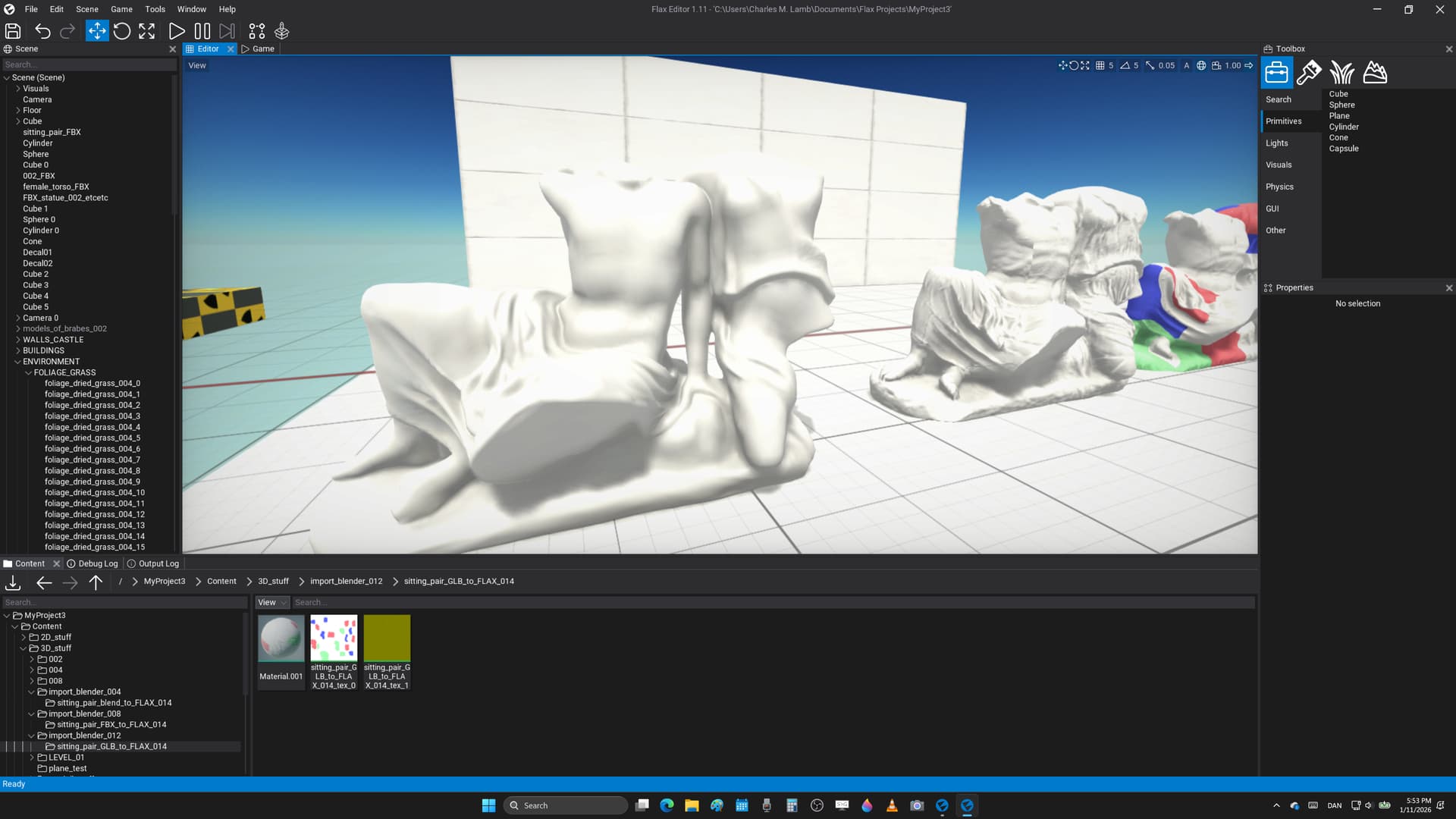
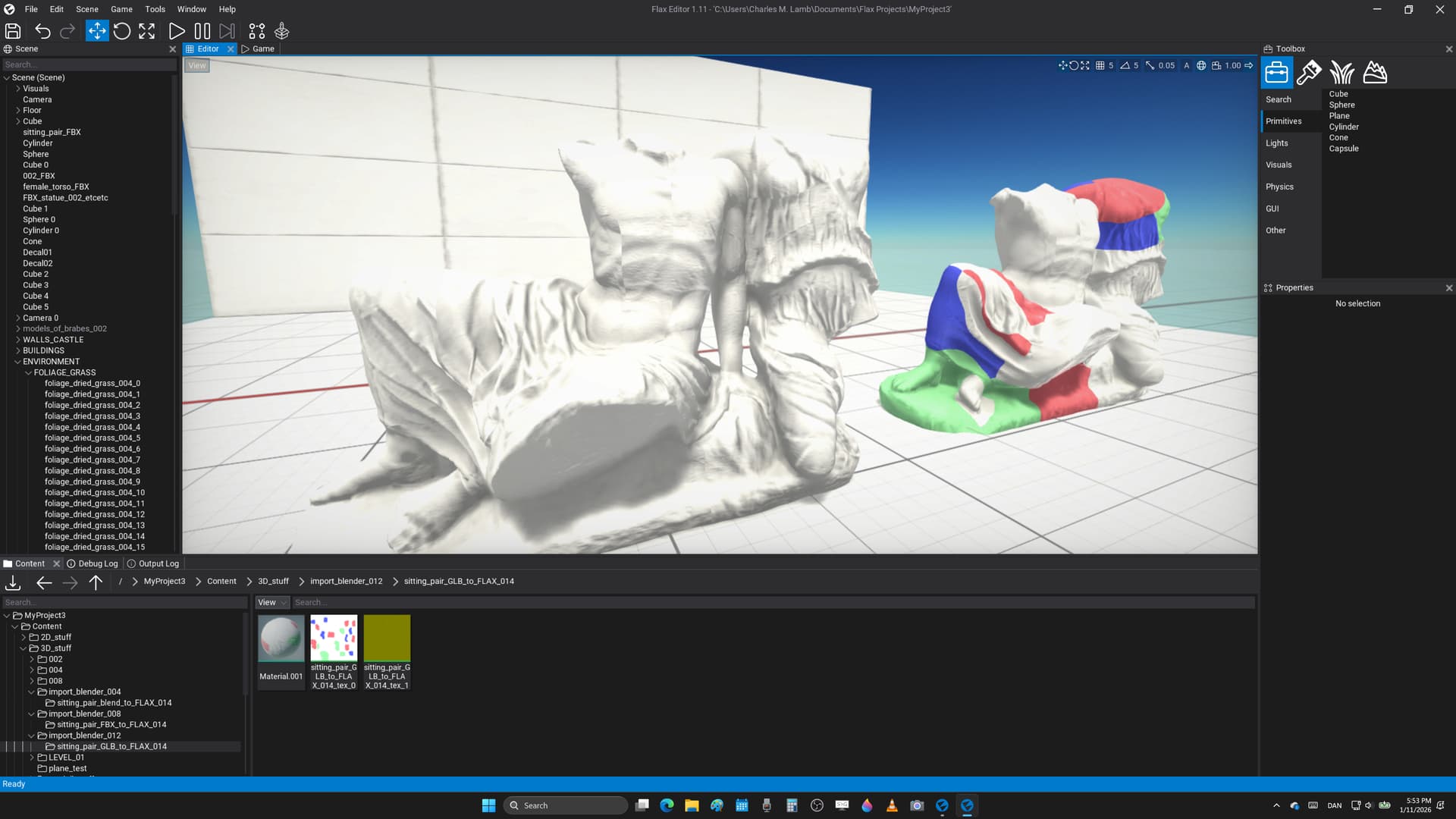
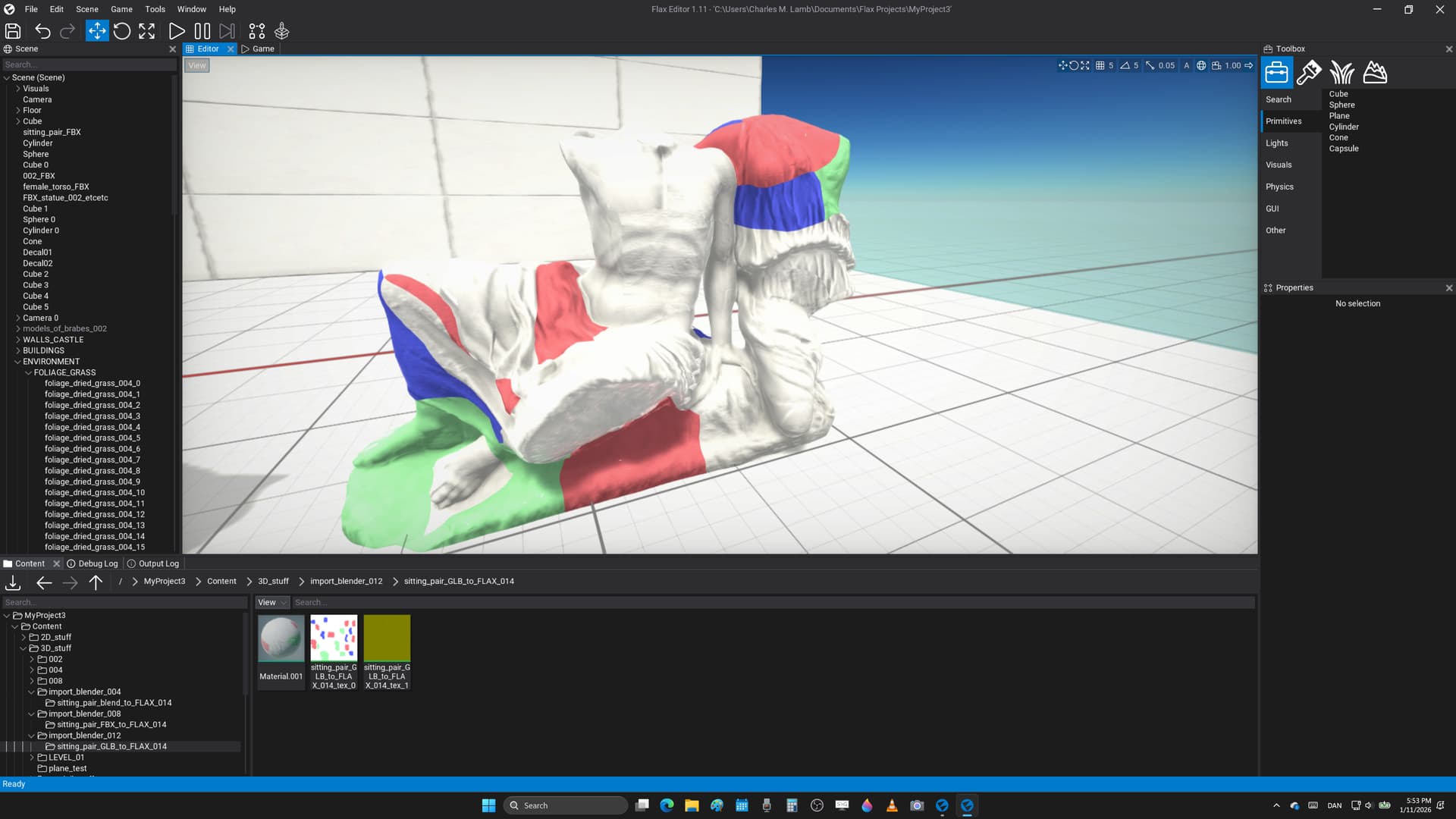
here’s importing of a .blend file, and neither albedo, or normal map has been imported
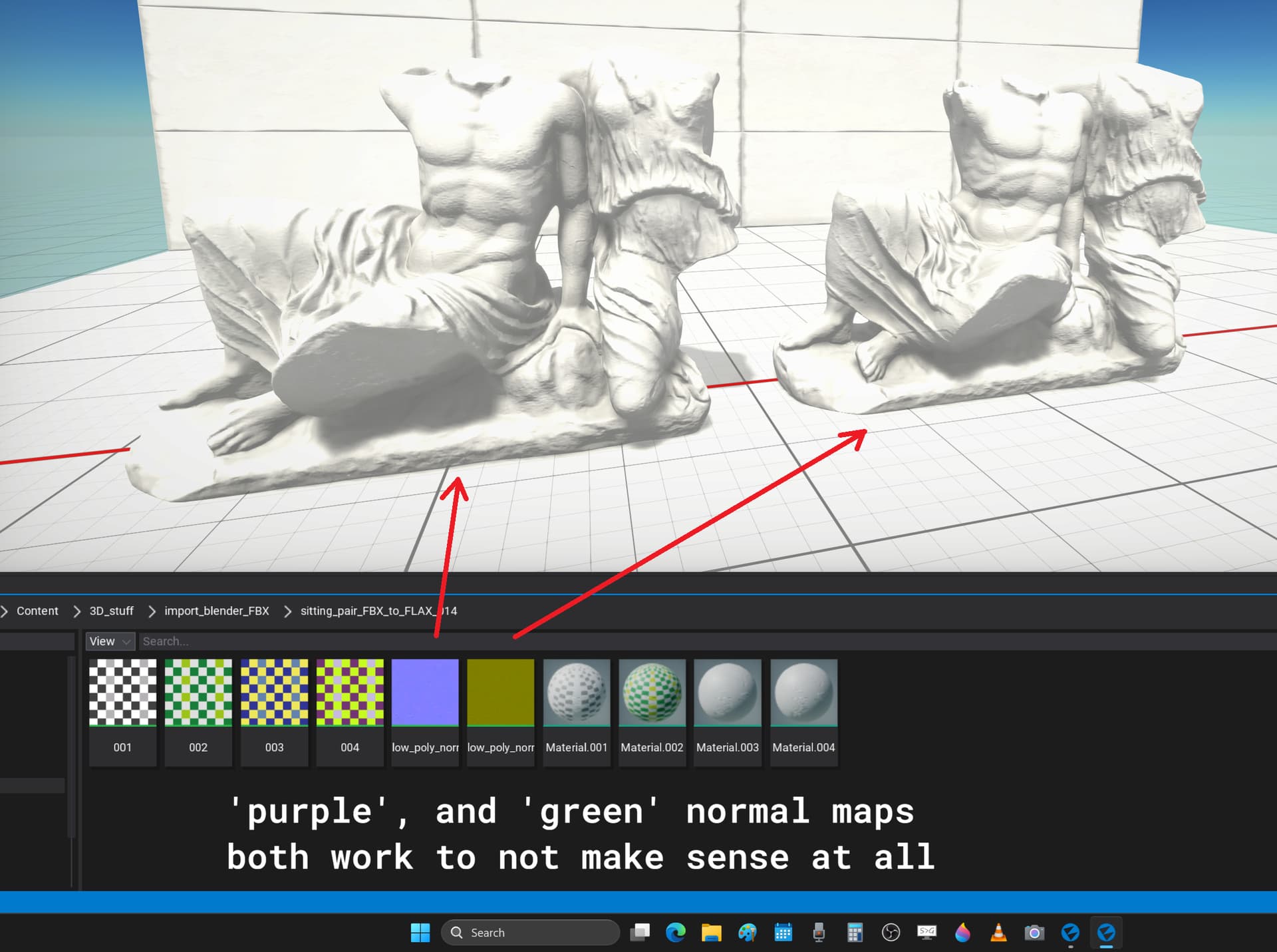
importing an .fbx where the normal map somehow has gotten stored as it should in the exported file from Blender, and however the green channel hasn’t been inverted giving errors near UV seams
here’s a .glb binary that gets both the albedo, or also the normal map, and in both cases of .fbx, or the ’ store it all ’ .glb the normal map hasn’t been inverted in the correct way to give errors visually in the engine
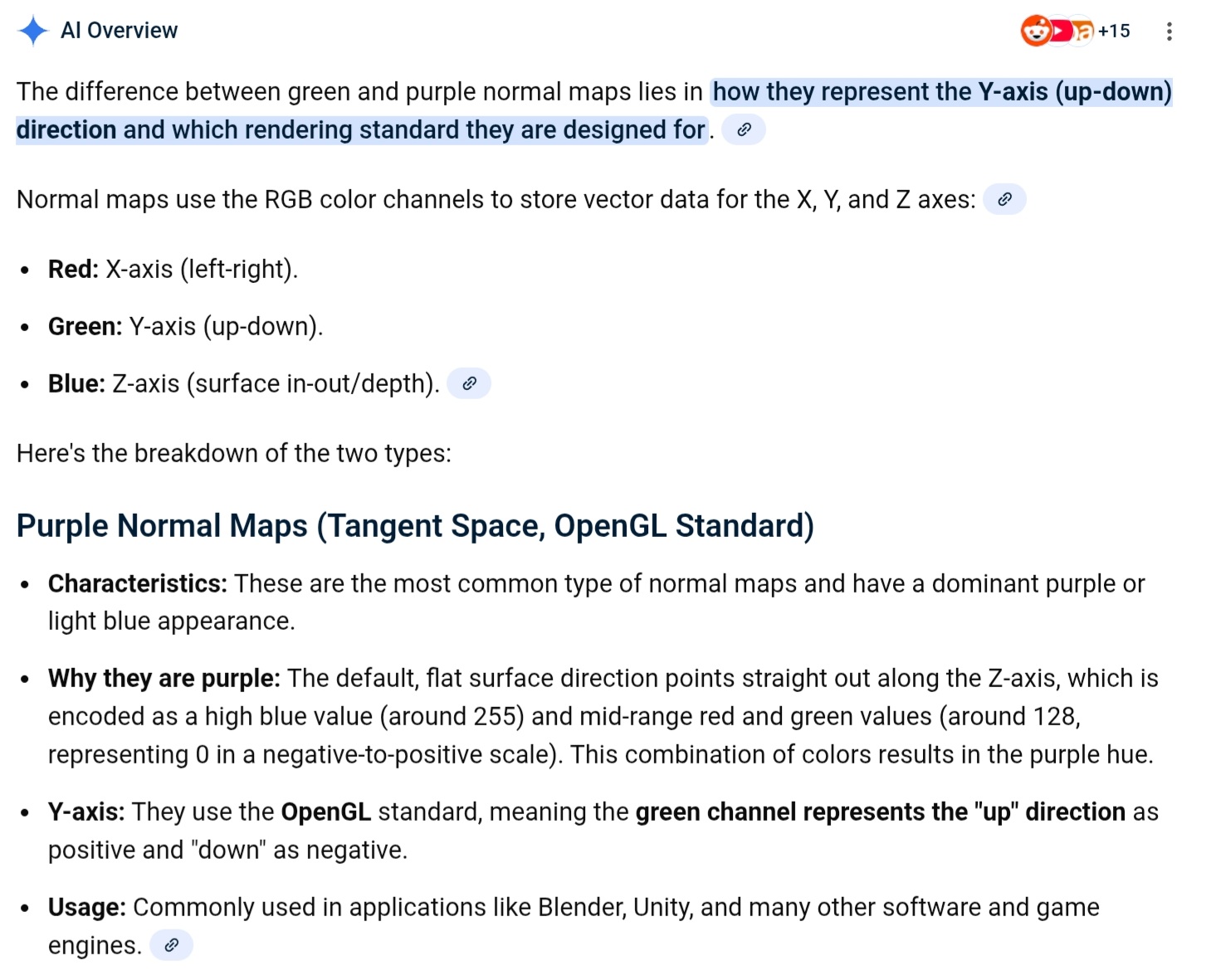
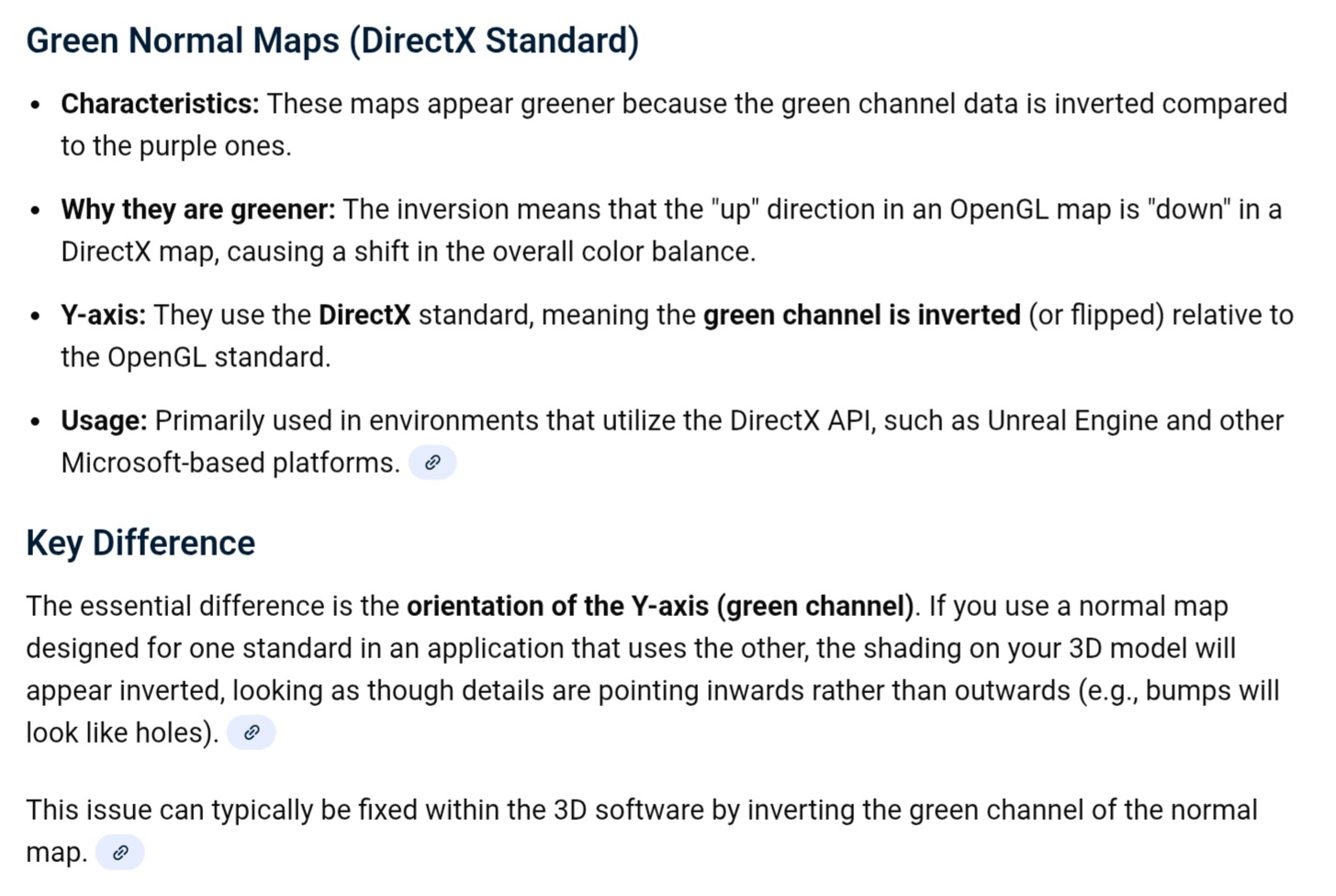
my suggestion is that when importing things at least from .blend where one knows what the program is to not be software - agnostic that it gets both the albedo, and also normal map if that could be done, or knowing that Blender works in ’ purple ’ normal maps to invert the green channel ( see the first post ) to allow for better support of importing most 3D assets, etc
is there a better way of doing this, and somehow this is rather inconsistent, or hoping could get a bit of help as a noob 3D artist to get my work into the engine
addition # 001
what want to say is that these errors are easy to see when it’s 3D meshes such as sculptures, and except for say simple 2D texture that are quite often used for tiling surfaces it’s rather difficult to remember this, or perhaps to add a setting to ’ auto invent green channel for imported normal maps ', and so one could make that a default setting for instance if people work with Blender, or to make it easier, and also faster to work with the awesome Flax Engine
addition # 002
inverting the green channel for the normal map fixes the wrong import for at least the .fbx file, and however there’s something else wrong with the .glb, or it’s not enough to fix the errors for that mesh format
addition # 003
exporting directly in .blend format doesn’t have textures unless one ’ packs resources ’ in the 3D program first, or it’d be nice if the work flow worked a bit better, and to have a setting to ’ auto invert green channel ’ if one uses Blender, or the ’ purple ’ normal maps when working in other software
?!??