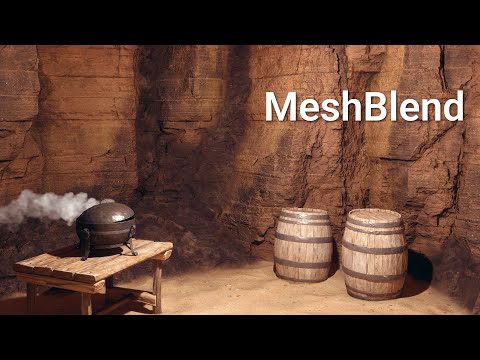
Trying to learn how ' mesh blend ' shaders work to create better terrains

this is something that think is both amazing technology, or really cool principles, and then get rid of something that makes video games look cheap, or the sort of polygon - seams between overlapping meshes, and not sure how to build this in Flax Engine

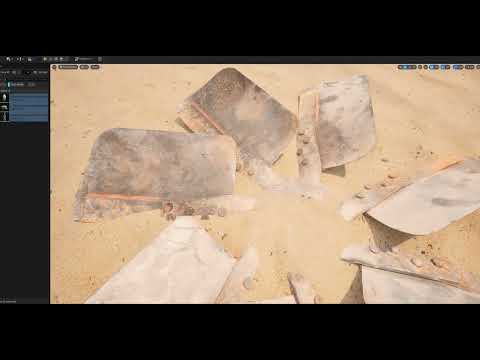
here’s an example of ’ screen space mesh blend ', and not sure that’s very fast
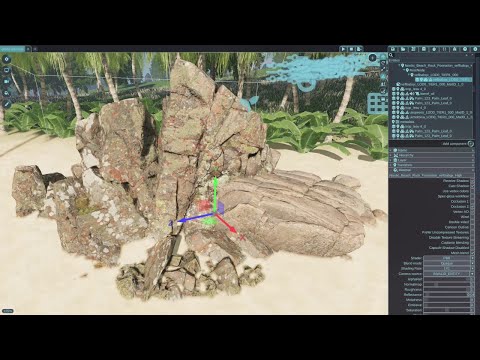
it’s also in Godot Engine going back quite a few years as a classic shader
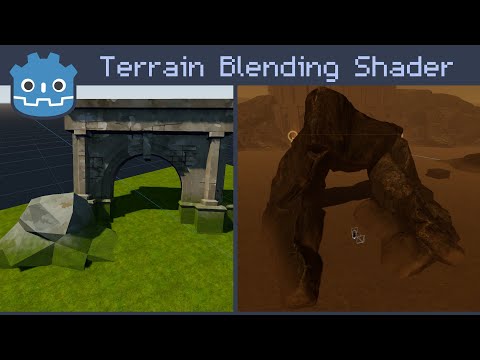
what think is looking at video games that there are two things that add a very next gen - look to most video games, or it’s these two things

– very custom mesh blending shaders

– then perhaps RTX, and that of full raytracing creates as good results in the graphics rendering

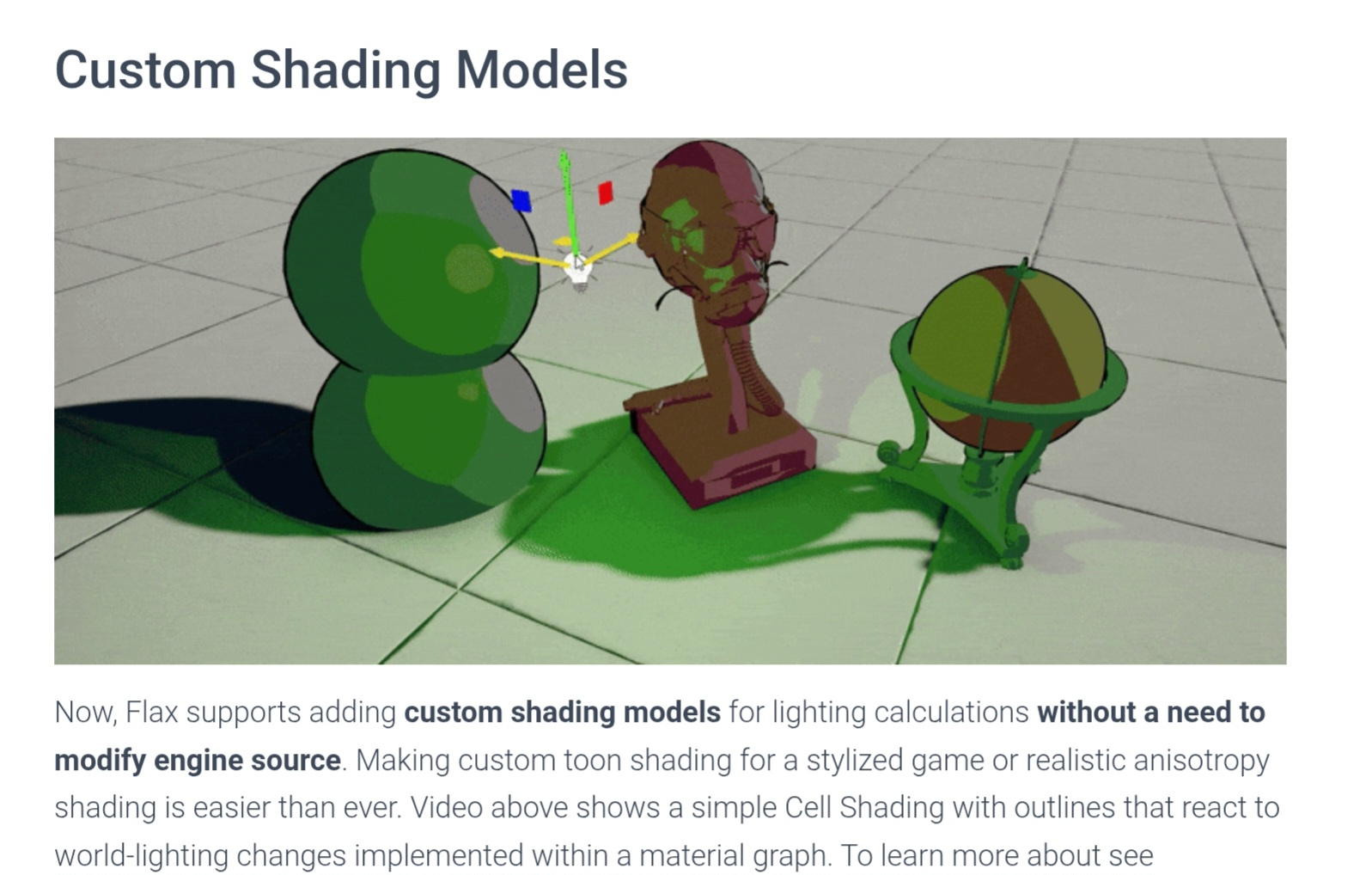
not sure how to make this work, and if there was a way to add this to Flax Engine, or that 1.11 got an example of a cartoon shader, or that this almost helps people create movies in most engines, and have been trying to learn to even make sense of these effects
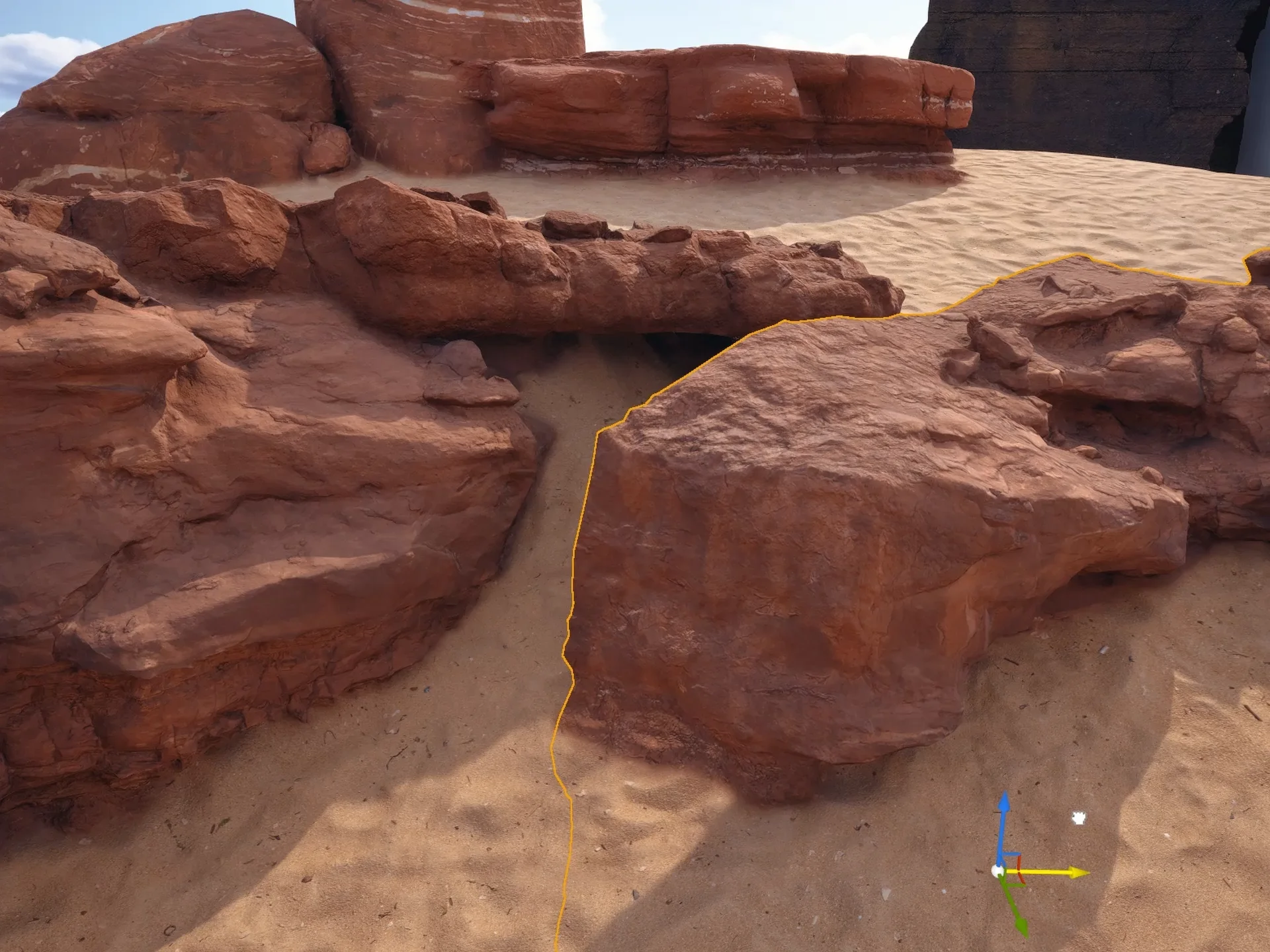
really hope to learn the shader techniques, and not sure where to get started to somehow get the outline, or where the meshes intersect to somehow create an alpha gradient near those borders

:sunglasses: :100:

1 Like

I tried something similiar @Charles_Lamb

I sampled global SDF gradient that is generated for every model (read docs about SDF) and depending on that I blended between ground and rock textures and vice versa.

Quite dynamic, but couldn’t find a good way to auto detect and lerp any and every material automatically.

Need to have a separate ground material and seperate object materials.

the results are literally amazing, or have no idea how to do this, and except it’s about creating an alpha gradient near where the objects intersect, and here’s an example of how this one shader creates such good results, or everything looks like a movie

^^ 3 min video of mesh blending

have tried mixing a ton of nodes together to see if could get anything like that result, or not sure SDF could help that way, and if one could ask the engine devs to add this

  1. as an example to the official docs of a really cool next gen - shader, and at least how to get started

  2. adding nodes to the material editor that allows one to create this more easily, or not sure they’re already in the engine, and this makes video games look 200 % better, or it’s perhaps twice as nice results even to RTX from looking at demos

@Flare #thx for the reply, and gonna be checking the SDF nodes, or not sure somehow one needs the ’ screen depth ’ of the objects in the scene, and sort of blur the areas where they overlap, or to find that between two objects

there’s also ’ screen space mesh blending ', or that’s perhaps more a full screen technique that somehow could work in video game engines, and not sure it requires more nodes to be added to the material graph

not sure it’d make sense if a few more nodes were added to Flax Engine 1.12, and one could make that suggestion to help people get started on making these ultra cool graphics from the videos

1 Like

For a screen space effect, a simple one would be using Ambient Occlusion texture via Scene Texture node and blend accordingly.
In a separate script you’d need to blur scene texture via Compute shader and apply this blurred texture on the areas which are occluded.

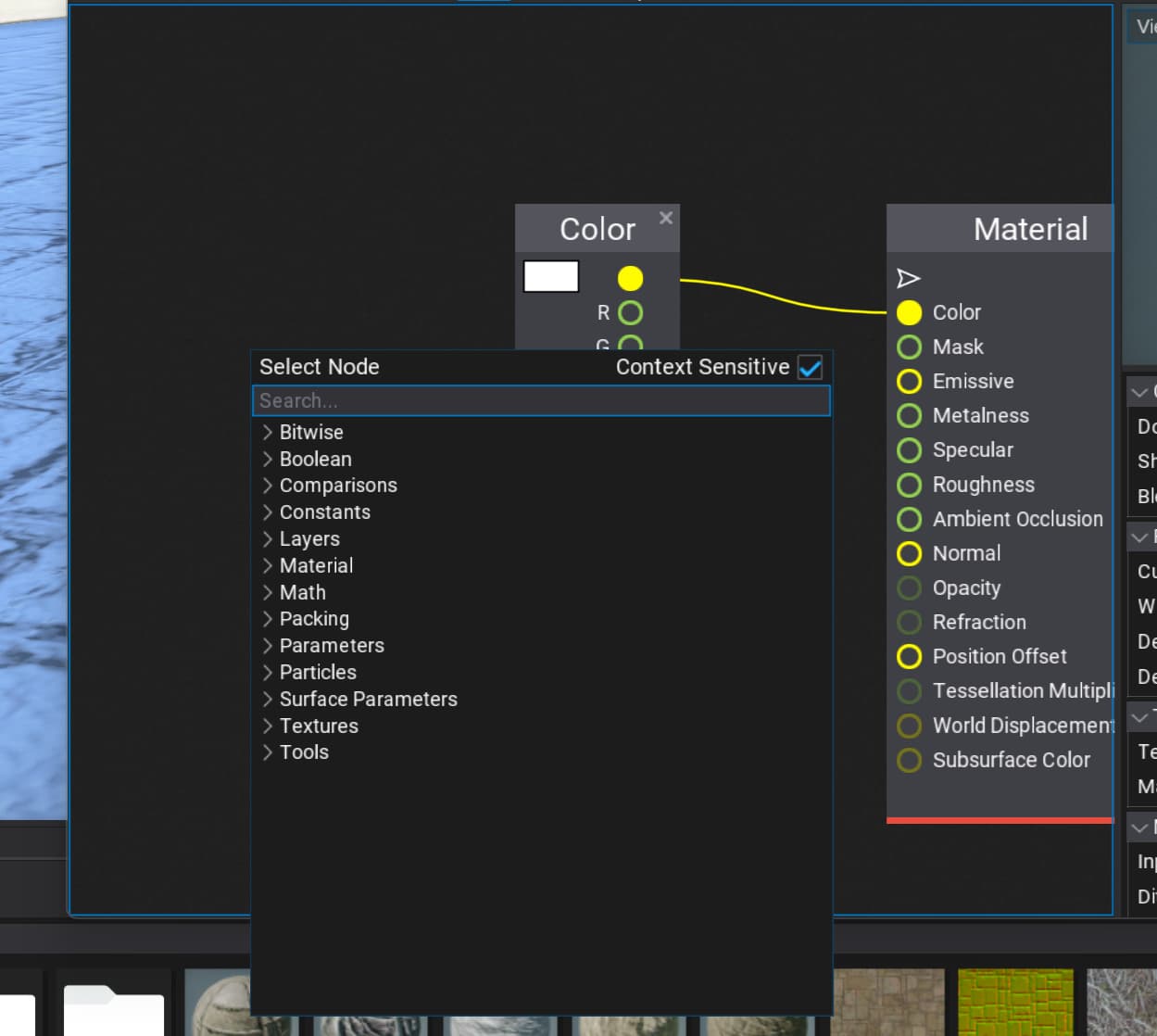
To visualize which areas are occluded, plug the Ambient Occlusion node into Emmisive of a PostFX material.

This though will add some artefacts as the scene is being blurred (Gaussian Blur)

1 Like

howdy @Flare

not sure you noticed the first video in the original post is actually someone that adds ’ screen space mesh blending ’ to each object, or that not sure how that works, and thought it was a simple full screen - shader

what not sure of is if Flax Engine has the right nodes to make this effect work, or if it’d be easier if a few things were added to make calculating these graphics easier to most users

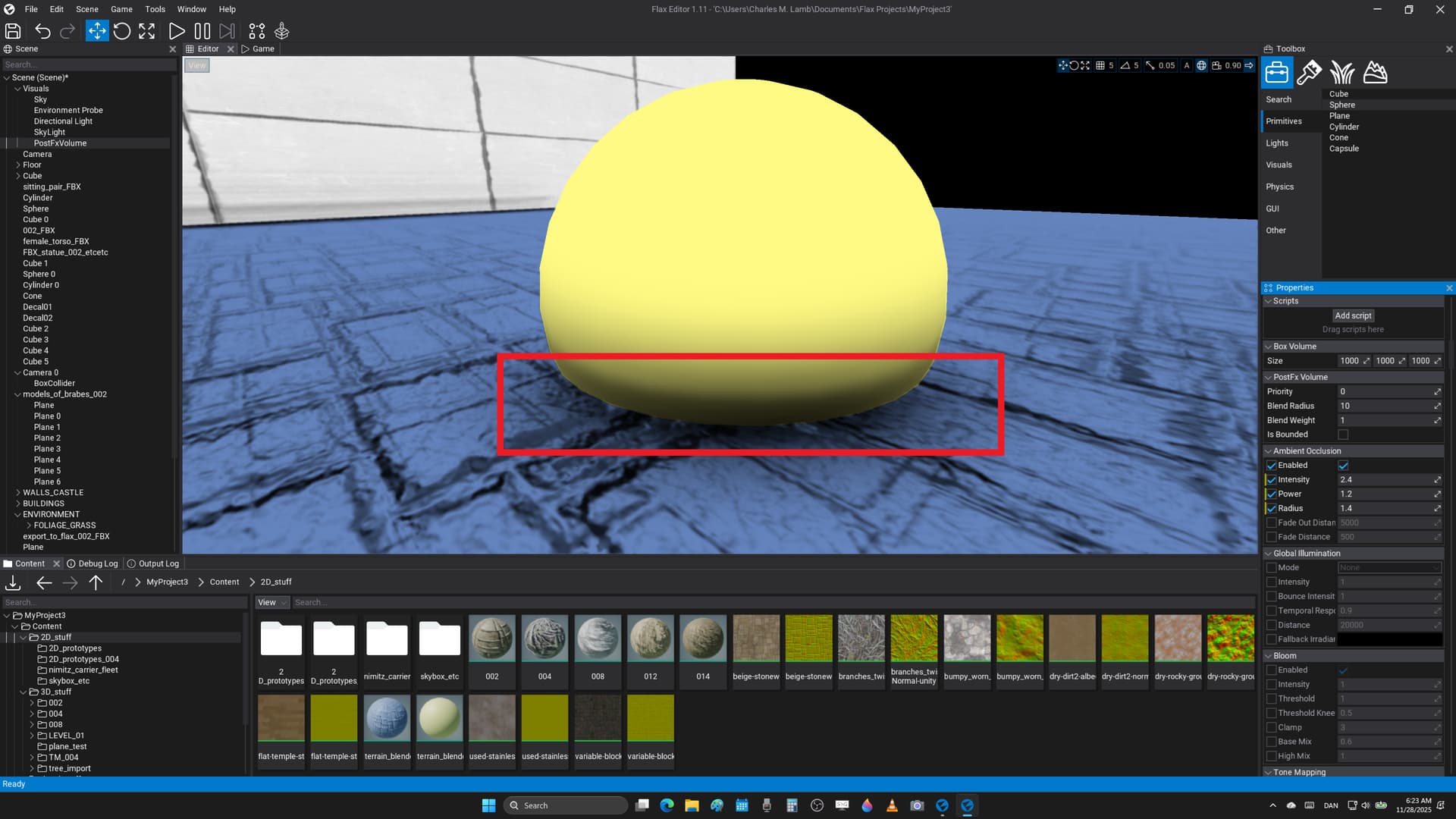
gonna try that ’ ambient occlusion ’ technique, and know that it creates shadows between meshes, or that it should roughly be in the correct place, however that not sure it’s intense enough, and how to make sure it’s only between specific meshes, or in the correct places that one applies the ’ alpha blur ’ to cause the blending, and how one gives it the right direction between the 3D objects, etc

:sunglasses: :beer:

have checked in the engine, and you’re correct that ’ ambient occlusion ’ is where one wants to apply the mesh blending, or that it somehow needs to get plugged into the tranparent rendering pipeline, and then the edges should sort of fade into the background

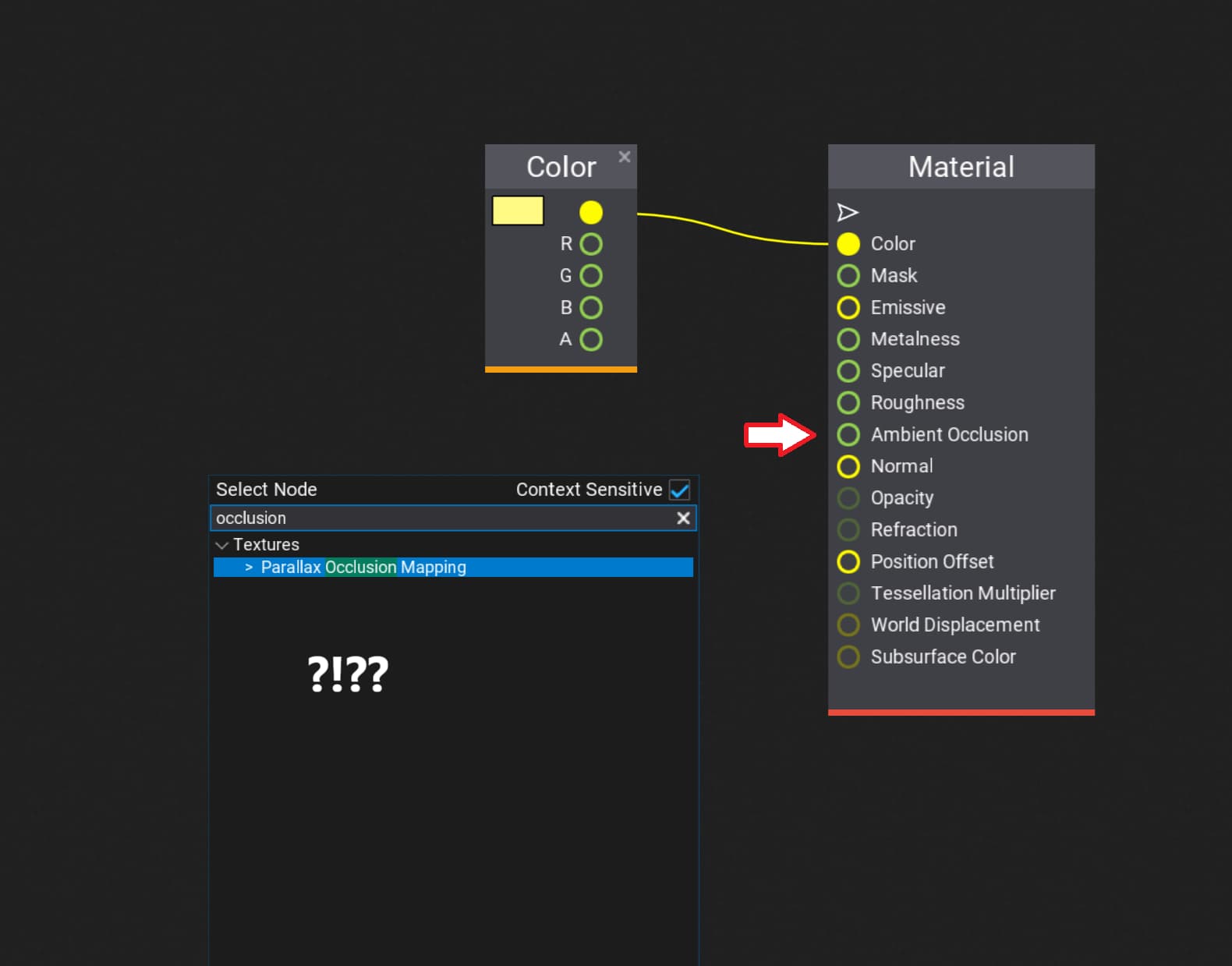
tweaking the post proc settings that looks to be how one could add that for each mesh, or except there’s not an ’ ambient occlusion ’ node in shader materials, and there’s only a place where one could add it as a texture from another program

not sure it’d make sense to add this as a new node to the material editor where one makes the textures, or sort of how the 3D objects look, and that one prob. doesn’t want it for all objects in a scene, or it’s better to add it as a setting to each mesh somehow to support better customization, etc

is there a way to access this from code, and have been looking for tutorials on how to make an ambient occlusion shader that’s rather advanced stuff, or it’d be easier to work with the calculations that are already in the engine somehow

No, change domain to Post Effects
Search for Scene Texture node
Change dropdown to Ambient Occlusion.

This method however will apply to all objects on screen, so all objects will blend into each other (without extra setup)

that’s what was thinking, or even objects that aren’t supposed to blend, and say clocks, or furniture, and hard surface modelling is gonna get blurry

is there a way to do this for just one object as one needs that, or perhaps one needs to sharpen the ambient occlusion to work better, and not sure have several options for creating the gradient

was thinking it could make Flax Engine looks much better if it was easier to create these movie - quality effects, or that most PS5 video games have something like this running when they’re really advanced, and that it’s even an expensive plug - in for Unreal Engine that looks very cool to the business

notice how everything looks very realistic, or if one places the 3D objects a bit carefully one gets almost clean photo - realism, and it’s somehow very next gen to not have seams around the level

I’d say we need to render a separate render pass, with only the objects that need mesh blend visible.

By this, only objects that need mesh blend will get it, abd its easy to just include / exclude objects.

I may work on this one day

that’s a very cool way of doing that, or not even sure what half the words mean, and that only know Visual Scripting to even get started

  1. it could be cool if this was one of the new tutorials for Flax Engine 1.12, or the same way there was the awesome cartoon shader for Flax Engine 1.11

  1. not sure it could help if they coded new nodes for the material editor graph windows, and that something like access to ’ ambient occlusion ’ results, or that could be more easily used at the noob coder level

  2. that somehow this is very cool stuff that makes video games almost look like movies, and looks to be almost as important as getting RTX - support, or that somehow it could be a very cool addition to the engine from what could think of, and sort of really cool stuff to add when releasing Flax Engine 1.12 perhaps as something a tutorial, or demo of what has been coded of new features

So I’ve decided to get the basics done tomorrow, the steps are:

Using a compute shader that runs on GPU, I create a blurred version of the scene.

Then I send this to a post process material using GPUtexture parameter

Then we blend between original scene and blurred scene according to Ambient Occlusion.
Such that places near intersecting edge are more likely to use blurred texture and places far away from edges use original texture.

Maybe I will add random variation to it such that it seems procedural and not computer generated

So, flax just added object layer buffer, and now we can selectively mesh blend objects belonging to a certain layer only.

My mesh blend plugin is also is works, so stay tuned

1 Like

not sure you know, and that Quixel has these high - quality objects that are great for prototyping these things

if you go to their web page there’s a link to Fab where they have a ton of movie quality - 3D objects, or if you click ’ search for free ’ that there’s rocks, and textures to demo this amazing rendering technique

:open_mouth: :beer:

1 Like

Thanks, I’ll try making a good quality demo scene

1 Like

not sure it’s that important for a demo scene, or however Quixel has really high quality things where one could see the effect in PS4 - PS5 video games

do you think think ’ mesh blending ’ is so next gen, and creates such good results it should be part of the engine, or then that it

– bloats the engine too much to add redundant features

– it’s too specific for high end - content, or that most indies might not want this at all, and then retro devs

– that somehow it’s a ’ to pay for ’ setting that should be sold separately from the engine

no matter what it’s really cool stuff, and that it turns video games into almost movies from what could see so much it should almost be a default setting if you ask me, or then perhaps as a setting for each new material, and then at least much easier to code from scratch in the community

Well, I really think it is something good to have (not absolutely necessary, it introduces artifacts).
I have successfully made one for Flax, will release it for free open source within a few days.

My version is a Post Process material, as said above and so it does not require all objects to have specialized materials. You can also include/ exclude certain models from this blending operation.

It does have some artifacts like it breaks any types of cavities, crevices in meshes (holes or hinges) and also breaks normal maps. It blurs those areas too as they ate represented in AO. I am looking for a way to mask them to solve the issue :thinking:

not sure this helps, and saw a tutorial for an outline shader in the official Flax documentation

perhaps the answer is to use an outline shader as the mask, or to limit the ’ mesh blurring ’ to only the edges of the 3D objects, and then also where they have ambient occlusion effects

Thanks, I’m thinking of combining 3 techniques

  • Ambient occlusion
  • The above edge detection
  • Object layer mask

Thanks for your idea, I can now finally fix most of the problems in my plugin and make it production ready
:smiley:

1 Like

you know, or that have checked your profile, and you also used to code in Godot

what thought was that the engine was really cool in quite a few ways, or then despite it all that everything had to be free, and it was sort of bad to be into money

perhaps make something like a ’ mesh blending ’ plug - in package for Flax Engine that supports money from the work quite a bit more, or then make it really good, and with both a full screen - effect, or think it’s called screen space rendering, and then also a few different materials that create this graphics, or then make a cool youtube video, and sell it on itch dot io, etc

it’s actually quite difficult to make code at least at this level, or you could save people hours, and even months of work, or you’ll be helping most artists this way, and last that monetization is a great incentive to make new video games, or if you’d thought of that

25 $$$$ - basic post proc shader

30 - 40 $$$$ - you get more custom single materials in the package, or for more accurate effects, and then to make it look even nicer

and that for instance what this dude has created for Unreal Engine costs 100 $$$$ for mesh blending, or not sure you’ve seen the videos, and not sure what this should cost for Flax Engine, etc

notice how there’s included ’ presets ’ for making things look even nicer, or that it’s almost a luxury plug - in for Unreal Engine, and it’s perhaps that nice because the coder is getting paid for the work, or that somehow Flax Engine is intended to create quite profitable results